1-Visitor
July 15, 2015
Question

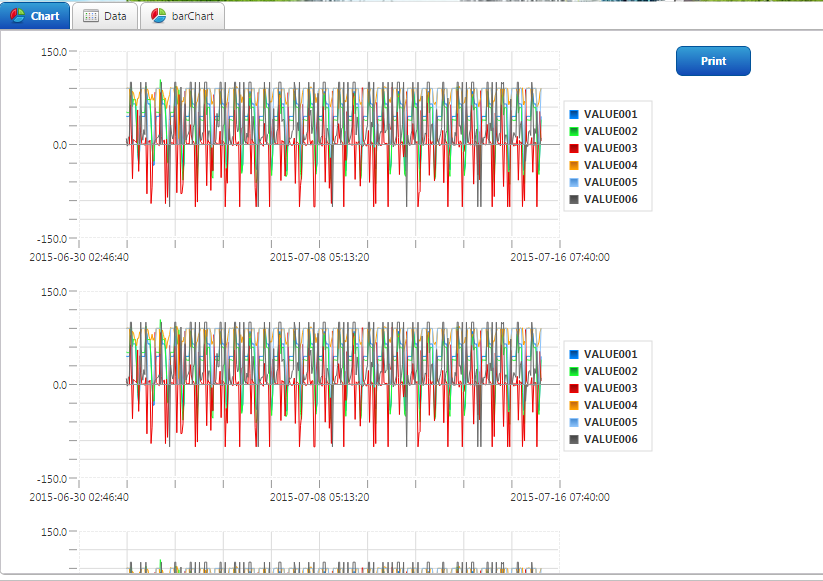
PrintButton Extension project

  • July 15, 2015
  • 6 replies
  • 9445 views

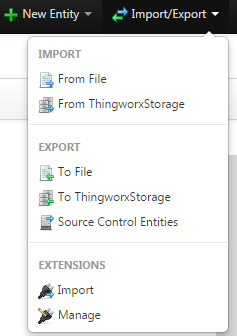
1. Import Extensions

006.png

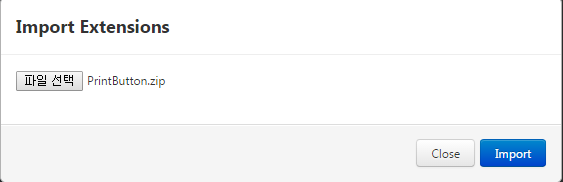
2. Select File

  007.png

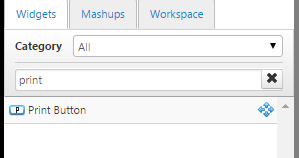
3. Widgets PrintButton Drag & Drop

008.png

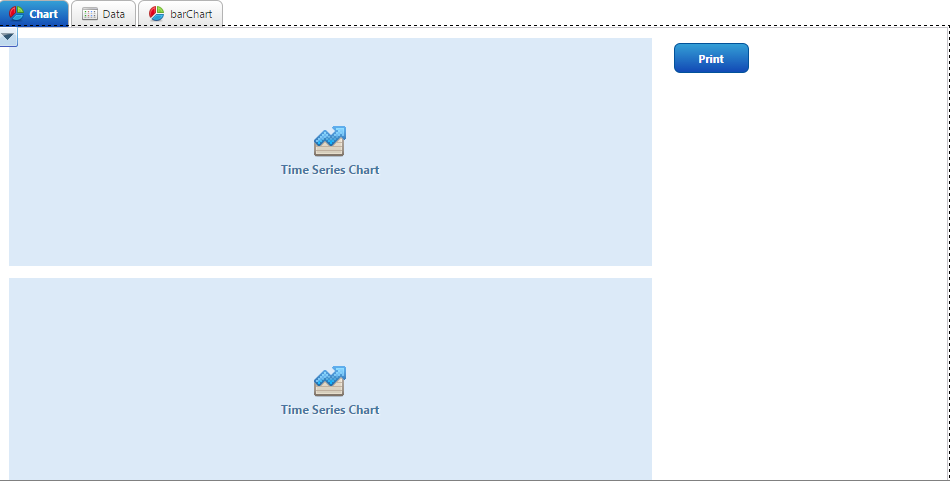
001.png

4. chart parent panel name to printbutton UnitName Copy
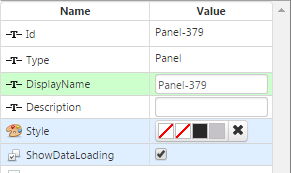
002.png

003.png

4. View Mashup

004.png

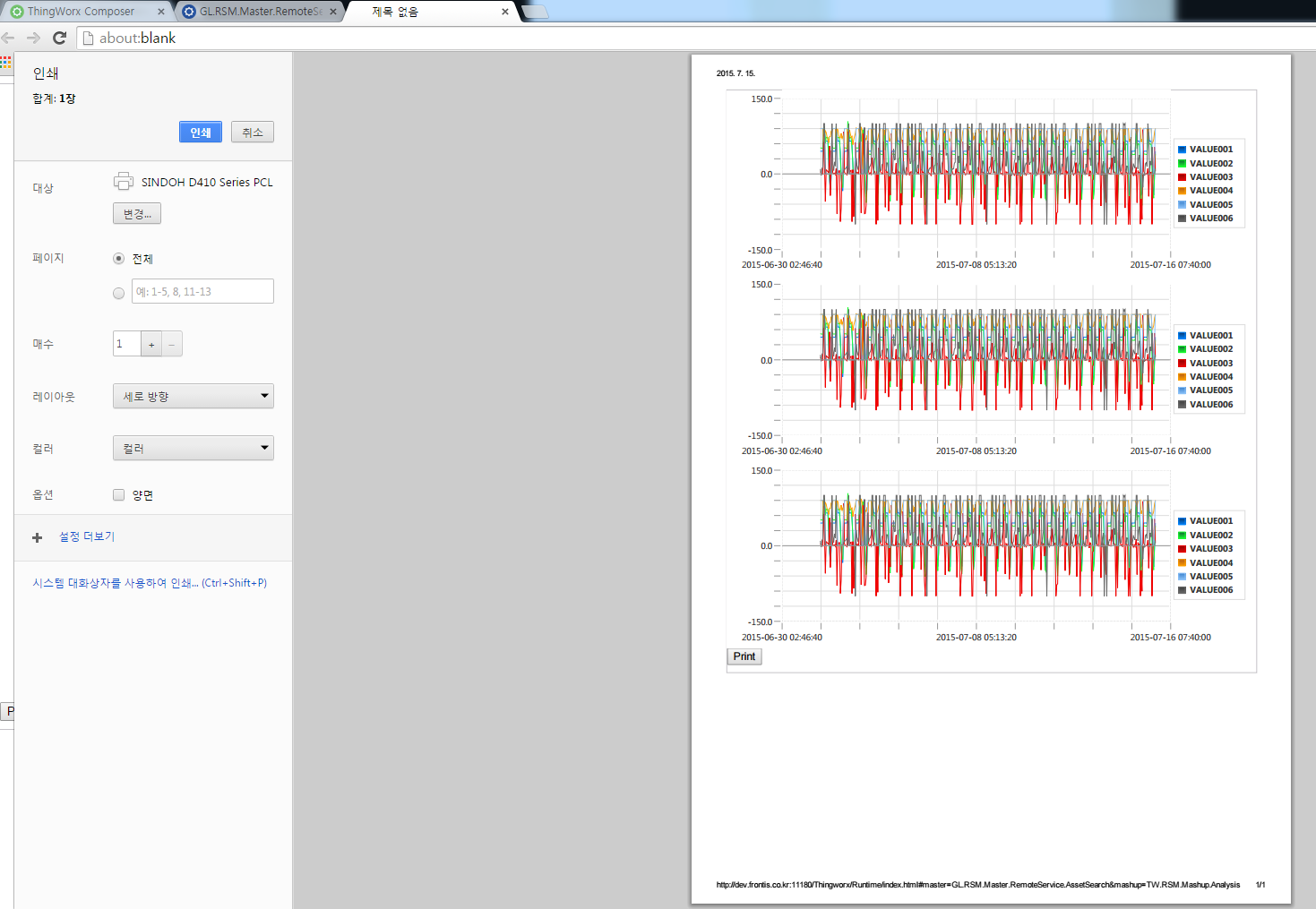
5. print button Click View

005.png

    6 replies

    1-Visitor
    July 11, 2016

    Hi, I am trying to use your widget. It would be really cool, but it does not fully work for me..

    From some reason it cannot print root-Mashup. It shows the blank page. If I put my graphs inside of a panel, it rearrange them thus making graphs visible only partly. Any ideas how to print several widgets at the time and avoid the re-arrangement.

    Thanks

    Tomas

    1-Visitor
    May 2, 2017

    Even i am facing same problem can anyone resolve this issue please let us know

    1-Visitor
    January 9, 2018

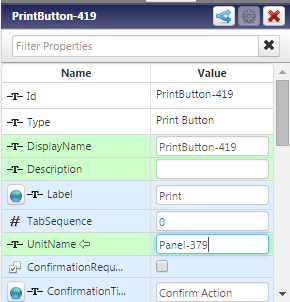
    Did you copied the correct name as hyun gu kim​'s instructions?

    4. chart parent panel name to printbutton UnitName Copy hyun gu kim
    1-Visitor
    February 22, 2018

    hi hyunkook


    i am Actually facing the same issue, any idea how to fix that? the button is working great but it's rearranging everything would be perfect if we can fix that


    thank you

    12-Amethyst
    February 27, 2018

    Hello;


    I just tried the window.print() function but i cant use "window" keyword. So i use print() function in expression and trigger it with a button and it worked. I want to share if anybody need to quick fix about this issue.

    1-Visitor
    February 27, 2018

    do you mind uploading your zip file ?

    12-Amethyst
    February 28, 2018

    I did not try or used  PrintButton extention itself.


    I just want to print a popup mashup and with basic logic, created expression in mashup with JavaScript code "print()" witch trigger with a button. Which is open browser's print dialog. And then i configure the zoom, margin ect. It worked for me. 


    I also did read disabling browser's print dialog which in chome can be done from chrome://flags but i havent try yet.


    1-Visitor
    February 28, 2018

    Hi Guys


    well the problem is that the <div>s from html at runtime don't have a specified Position and by default position is set to Static which in return ignores the padding and the position properties of the wedgits 


    just add an inline style to <div> with a position:relative at runtime.js and it should work fine for charts and images 

    win.document.write('div {position: relative;}');


    hope it helps

    16-Pearl
    January 9, 2019

    Hi,


    Could you suggest where we have to add the below line.

    win.document.write('div {position: relative;}');


    I have added  above code in below function which was PrintButton Extention code

    var printfind = function(){
    win = window.open();
    self.focus();
    win.document.open();
    win.document.write('<'+'html'+'><'+'head'+'><'+'style'+'>');
    win.document.write('body, td { font-family: Verdana; font-size: 10pt;}');
    win.document.write('div {position: relative;}');
    win.document.write('<'+'/'+'style'+'><'+'/'+'head'+'><'+'body'+'>');

    var url = thisWidget.getProperty('UnitName');
    var b = document.getElementsByTagName('div'); // binds "b" to the desired element.
    TW.log.info(url);
    //var div = document.getElementById('divID');
    for (var i=0;i<b.length;i++){
    if( b.item(i).id.indexOf(url) > -1)
    {
    win.document.write(document.getElementById(b.item(i).id).innerHTML);
    break;
    }

    }
    win.document.write('<'+'/'+'body'+'><'+'/'+'html'+'>');
    win.document.close();
    win.print();
    win.close();
    }


    After changes, import was not successful. Could you please where we can include code ?.


    Thank you