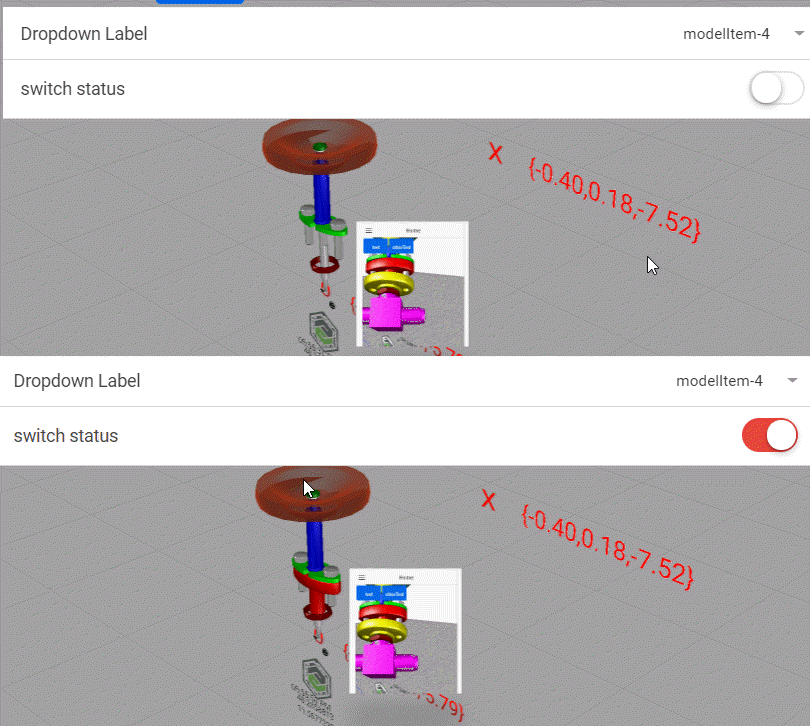
Hi @rhudd ,
in generally this is not trivial if you want to have a list with objects where you can select for each object the visibility.
I had such solution in the project , where I transferred the database - also the info of the model item visibility to Thingworx and did used some Thingworx services to change them and to update the display. Here example how it looks like:
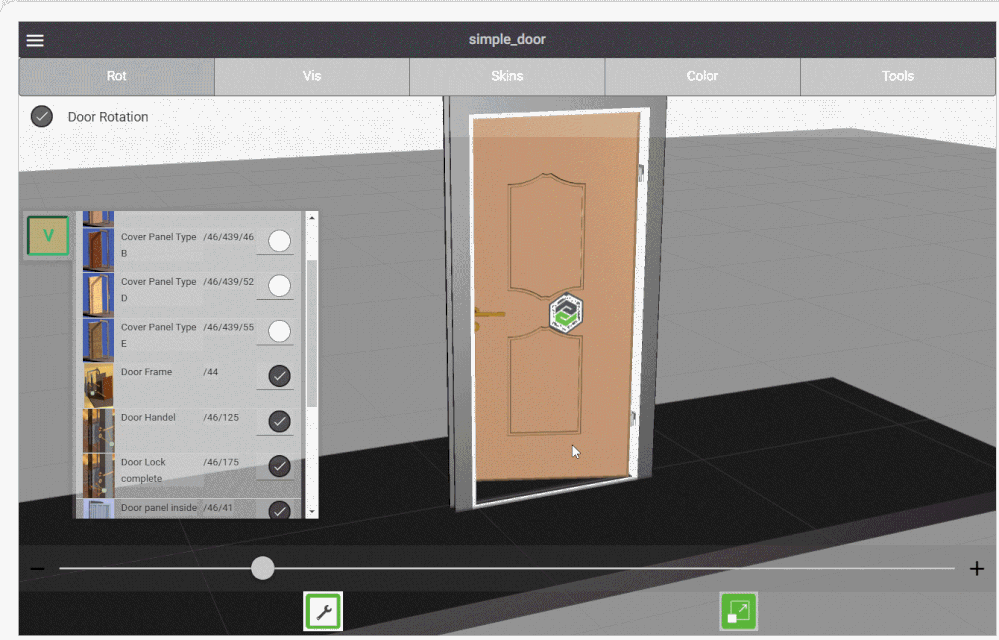
But here I want to provide the simple’s solution I know for this issue:
The solution consist of the Javascript code and select + toggle widgets
When I tested it:
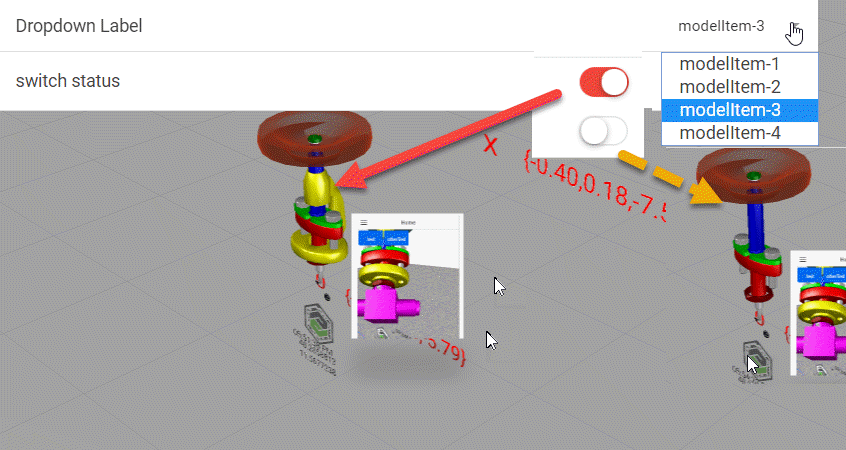
It created a list of all existing modelitem widget in the current view (here the home view) and added this list to the select element ("select-1")
To be sure that all widget are initialized I called this first in the modelload event:
/////////////////////////////////////
$rootScope.$on('modelLoaded', function() {
 $scope.createModelItemList();
});
So called the function to create ModelItemList() where I listed all widgets. There are different ways to indentify the modelitems. My criteria here was that only the modelitem has 'idpad' property.
To fill the list, we need a Json list:
function List_items(display,value) {
 this.display = display;
 this.value = value;
 return this;

}

$scope.my_json_array=[]


function hasWdgProp(widget,property)
{
 	for (wp in widget)	{
 //console.log("property="+property+" | wp="+wp);
 if(wp==property) return true;
 else continue;
						}
}

//////
$scope.createModelItemList=function(){
//get the widget list
var wdgs=$scope.app.view.Home.wdg;
 for(wdg in wdgs)
 {
 if(hasWdgProp(wdgs[wdg],'idpath')) { // is this widget a modelitem
 console.log("this widget ::"+wdgs[wdg]['widgetName']+" is a modelitem");
 let my_lst_item=new List_items(wdgs[wdg]['widgetName'],wdgs[wdg]['idpath'])
 $scope.my_json_array.push(JSON.parse(JSON.stringify(my_lst_item)))
 // I did this above to avoid the adding of extra object - I need only the json property
 // List_items object - without this(parse from stringify) it does not work!
 }
 }
 // add the list to list property of the select widget
 $scope.view.wdg['select-1']['list'] =$scope.my_json_array;
};
so now I need to be able to update the switch status ( here widget “toggle-1”) when I select in the list - so the toggle widget should display the current visibility status of the model item
and I need also a simple function to update the modelitem visibility with the toggle setting- on toggle event – which is a simple a click on it:
//set value change event of select-1 "selectItem();"
$scope.selectItem = function()
{
let modelitem_name=$scope.view.wdg['select-1']['value']
let curr_status = $scope.view.wdg[modelitem_name]['visible']
$scope.view.wdg['toggle-1']['value'] = curr_status
}
/////////////////////////////////////////////////////////////////
//set click event of toggel-1 "changeVis();"
$scope.changeVis= function() //set changeVis()
{
 let curr_modelitem= $scope.view.wdg['select-1']['value']
$scope.view.wdg[curr_modelitem]['visible']=$scope.view.wdg['toggle-1']['value']
}
/////////////////////////////
set click event of the widget toggle-1 to: "changeVis();"
set value change event of widget select-1 "selectItem();"
start a test in the preview mode :