

15-Moonstone
May 4, 2016
Solved

Can you force sketch dimension to be angular?

  • May 4, 2016
  • 3 replies
  • 10278 views

Every once in a while I run into a situation where I need to add an angular dimension to a sketch and it wants to change it to linear.

The problem appears to be that the angle is less than a degree.

Here is the sketch prior to adding the dimension.  There isn't a lot of difference of height but there is a difference.
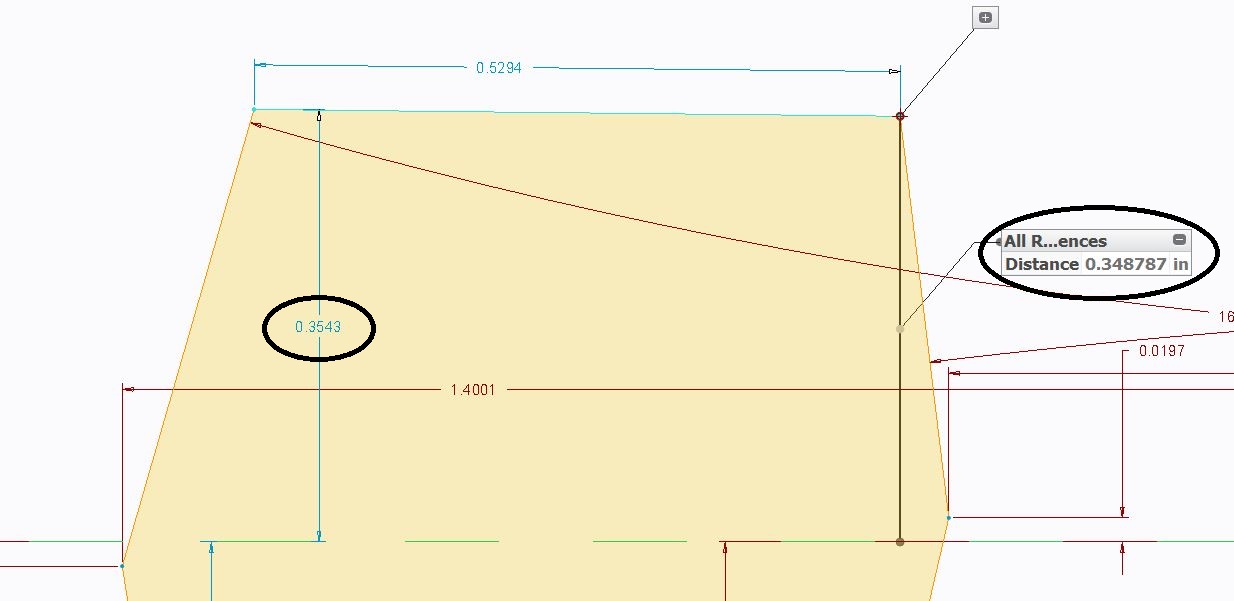
need angular.JPG

Here is what happens after the dimension.  You can see that the shading hasn't updated on the right corner.
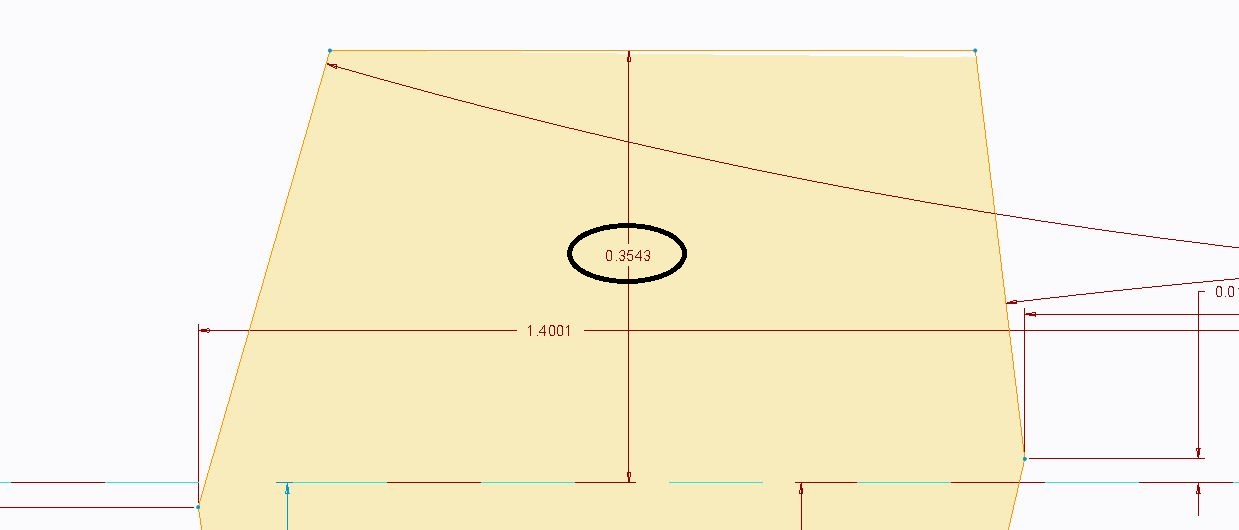
now linear.JPG

How do you force an angular dimension?


This thread is inactive and closed by the PTC Community Management Team. If you would like to provide a reply and re-open this thread, please notify the moderator and reference the thread. You may also use "Start a topic" button to ask a new question. Please be sure to include what version of the PTC product you are using so another community member knowledgeable about your version may be able to assist.
Best answer by rzukowski

Try the config.pro option:

minimum_angle_dimension

I have mine set to 0.1

Rick Z.

3 replies

14-Alexandrite
May 4, 2016

Hi Paul,

The workaround to adding angular dimensions for very small angle is to create an angular dimension from some other reference (maybe a normal plane or ref) which gives a bigger dimension. Then we can just select the dimension & use replace command to change the reference to desired one.

Pushkar

23-Emerald III
May 4, 2016

The way I do it is to create the sketch with a much larger exaggerated angle, add the angle dimension and then change the angle dimension to the desired small number.

rzukowski13-AquamarineAnswer
13-Aquamarine
May 4, 2016

Try the config.pro option:

minimum_angle_dimension

I have mine set to 0.1

Rick Z.

pimm15-MoonstoneAuthor
15-Moonstone
May 4, 2016

Actually everyone's answer here is correct.

I like your answer Rick because it doesn't require the slight work around.

I tried searching for a config.pro option on this by searching by angular instead of angle prior to asking this question.  In the past I've left the sketch partially unconstrained, but sometimes that doesn't work out well.

Finally this works the way it should!  Thanks.

1-Visitor
August 26, 2016

I have a 0.2 degree angle and after changing the config.pro to "minimum_angle_dimension 0.1" I still cannot get the dim to place properly.  I have tried everything I can think of including zooming way out and in.  Prior to Creo you could zoom in real closely and it might flip the dim to angular.  I tried a dummy line and edit attachment as well as selecting a datum that was far enough away that Creo might see it as an angle.  Edit attachment after using a dummy line just sent the dim back to linear.