

Logic behind Sketch Orientation?
This is a very simple situation; one that is fairly easy to work around, but I don't understand the need for extra mouse clicks.
I'm wondering if I'm just missing something.
ZW was the CAD software we used to use. In ZW you could click on the view you needed to sketch from and when choosing the datum that was parallel to the screen the placement of the sketch did not move. For sanity's sake I like to view a sketch from it's logical direction.
I'm wishing the same thing was possible in Creo (Perhaps it is, but I've not got this to work with the FRONT VIEW sketch)
My views and datums are not the standard Creo orientation. I've changed this to the World View Coordinate System.
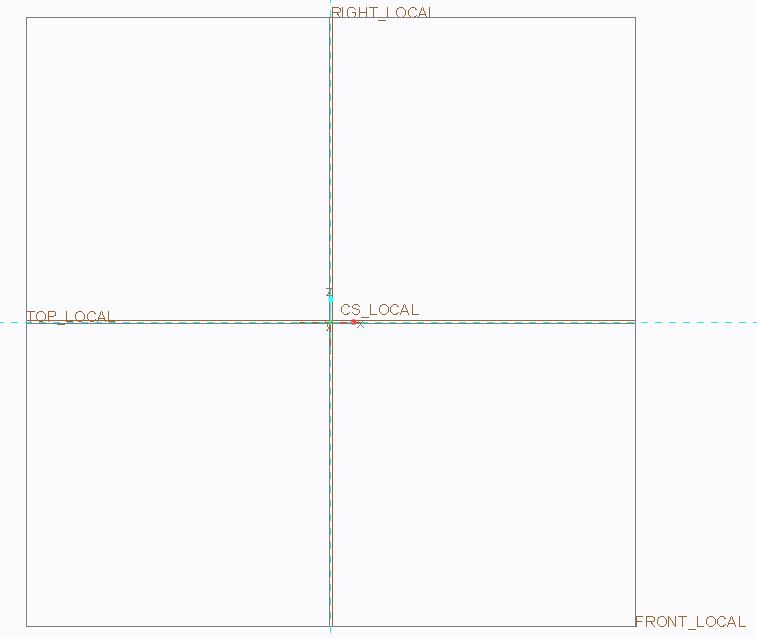
This is how the view orientation looks lined up with the datums.
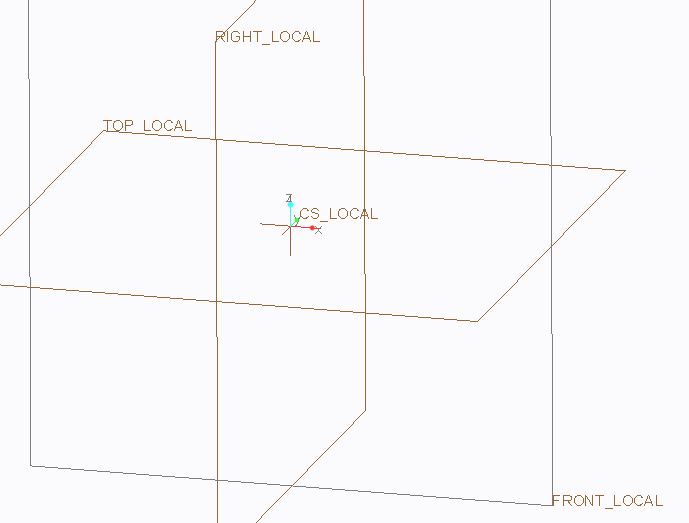
Let's say I want to make a sketch from the Front View.
1) I set up to be in the Front View.
2) I pick the Front Plane. BELOW IS THE ORIENTATION I WANT TO END UP WITH.
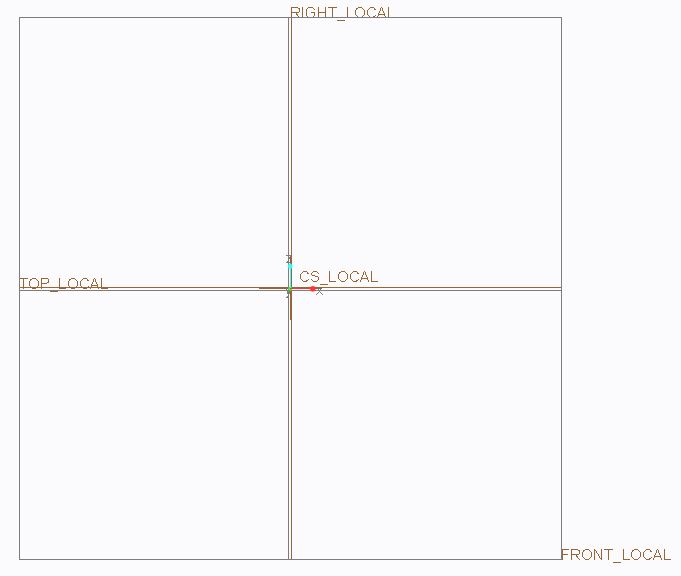
When I do 3) select Sketch it completely flips the view orientation as shown.
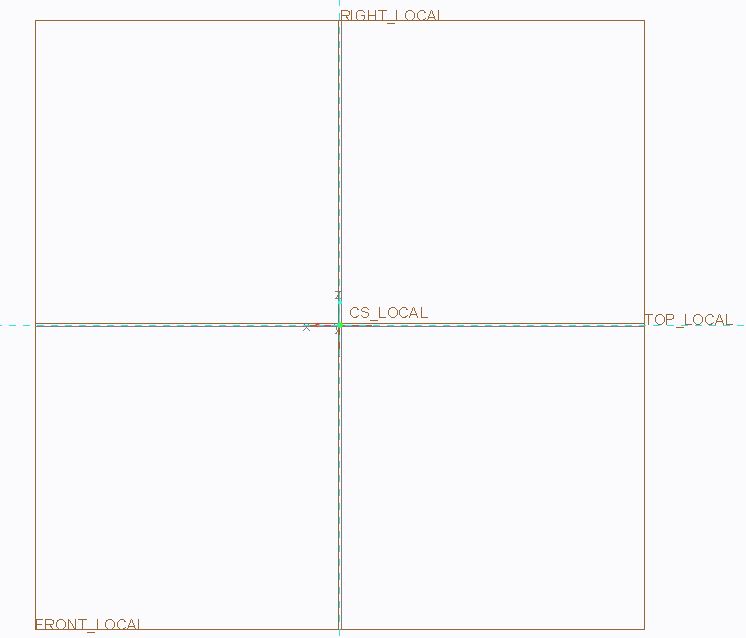
I can get this back to the orientation I WANT TO END UP WITH but it takes a couple additional sketch orientation steps. I need to Flip Section
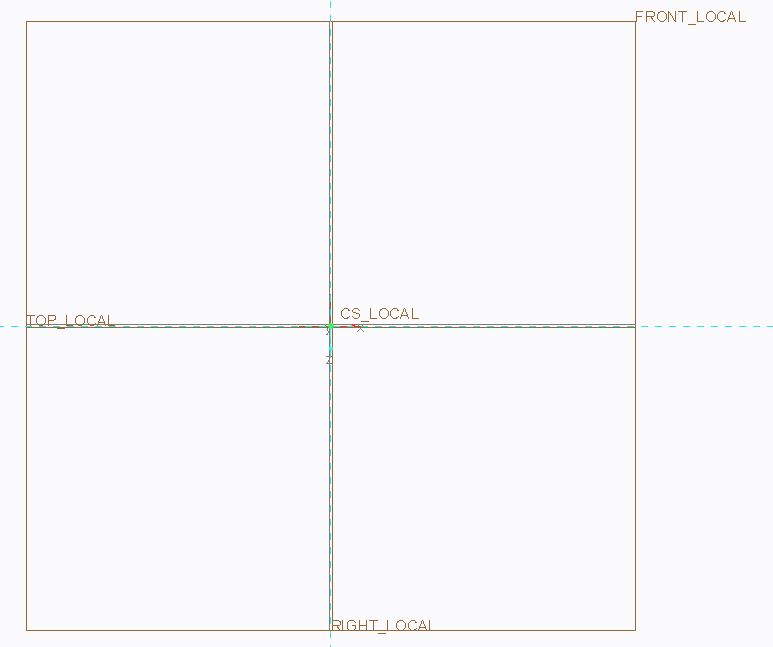
After this I need to Flip Sketch Plane and it is back to the ORIENTATION I WANT TO END UP WITH.
As stated above this only doesn't work with the FRONT VIEW. If I go into a template that I didn't change to World View all 3 main directions work with the sketch orientation.
I can get the FRONT VIEW sketch to fall in it's true position if I don't select the Front Datum prior to selecting sketch and flip the arrow so it is pointing down instead of up as follows.
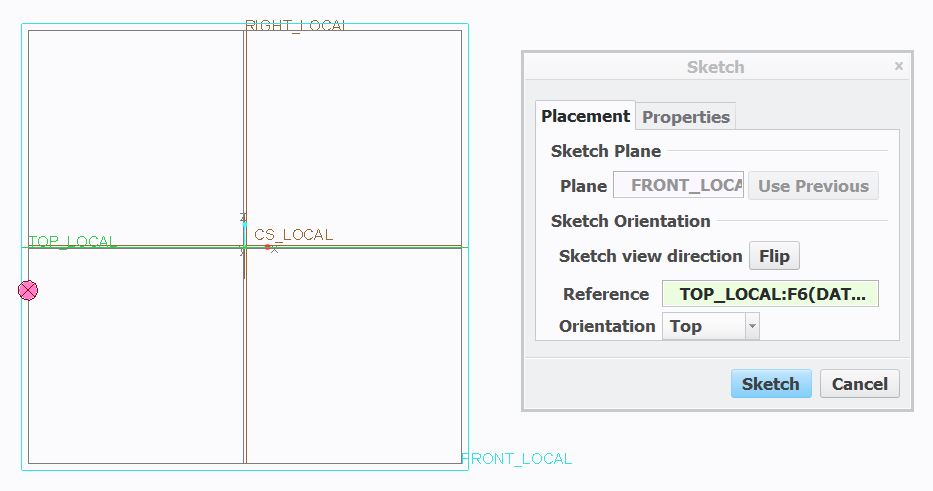
Everything else appears to be correct with my View and Datum orientations, they act like they should.
Does anyone have an idea of how I could by default get the arrow to be flipped to aim into the screen without having to select this manually? I think this would prevent the flipping and rotating of the FRONT VIEW.