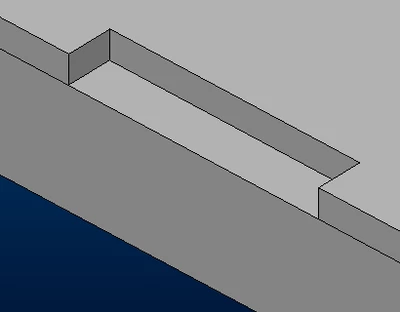
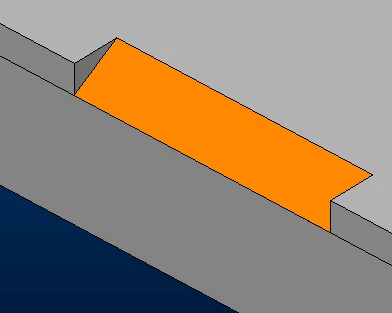
I found a solution by myself.
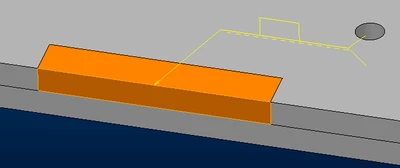
This is the procedure i defined:
- Open the part with the opening.
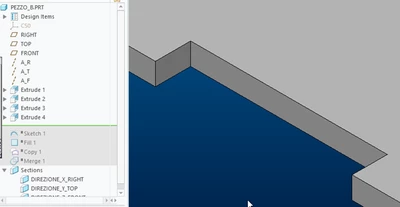
- Create a curve and fill it to create a closing surface of the opening.
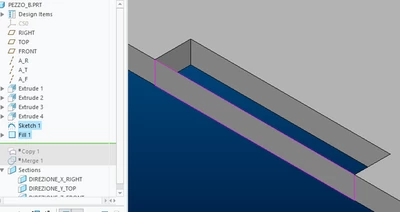
- Select the three faces of the opening and press CTRL+C and CTRL+V to create a copy of surfaces.
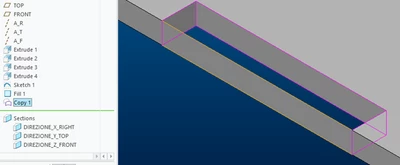
- Select the fill feature and the surface copy and merge them with the "Merge" command.
N.B. In order for the next "Slot/Plug Weld" to be created, the surface copy feature must appear before the fill feature.
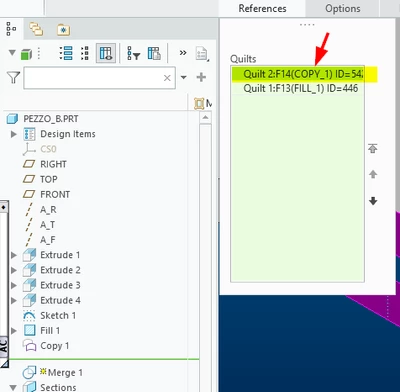
Otherwise the weld will not be created and this error message will appear:
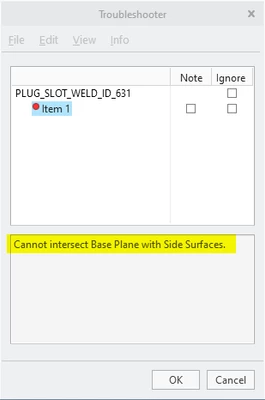
- Open the asm, create the "slot/plug welding" by first selecting the base and then the side surfaces previously created.
If anyone else has a better solution to point me to, I'd be very happy.