Page Numbers in Mathcad Prime 1.0
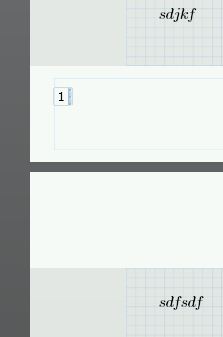
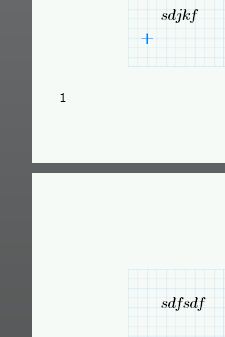
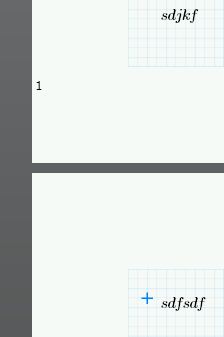
The page number within a footer changes location when I have my selection point on a different page. See the following three images below: 1) Page number inserted into footer; 2) Exit footer region by selection a position on the same page (no change); 3) Select a position on a different page (page number moves up and to the left). This error only occurs with the page number, not file name or date. I noticed this error when I first scrolled after creating footer (I had the page number, file name, and date all lined up on page 1, but when I scrolled down, I noticed that the page number on page 2 was not in line). When I print, there is no error, only in viewing within Mathcad (so I guess this isn't a huge deal, but it threw me off at first). I can re-create this error repeatedly.
Anyone else have the same problem?