1-Visitor
January 15, 2016
Solved

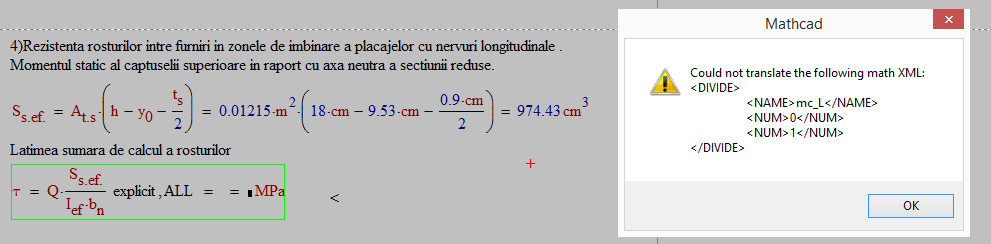
What is the problem? explicit function

  • January 15, 2016
  • 3 replies
  • 4977 views

his appeared only i use explicit,

2016-01-15_201437.jpg

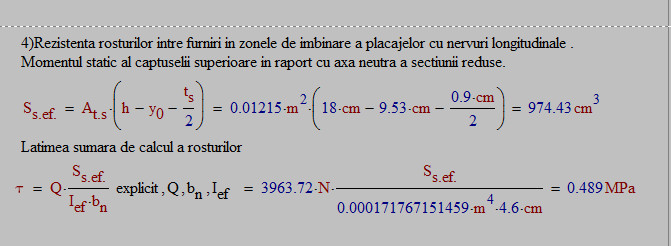
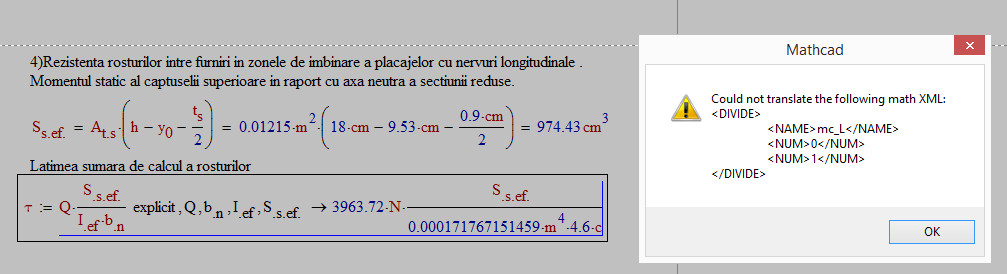
2016-01-15_202800.jpg2016-01-15_202822.jpg

Best answer by lawrencelawrenc

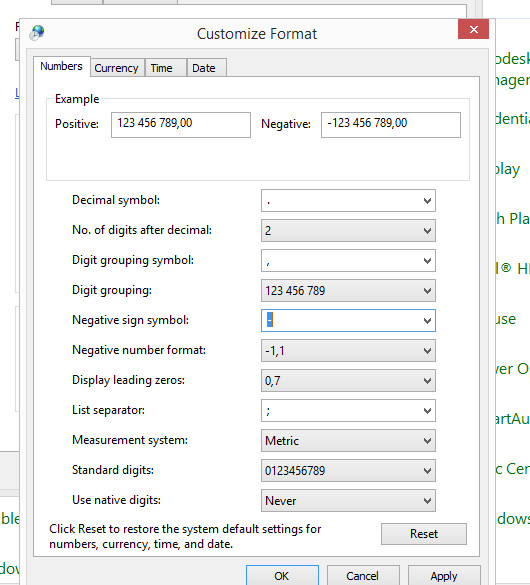
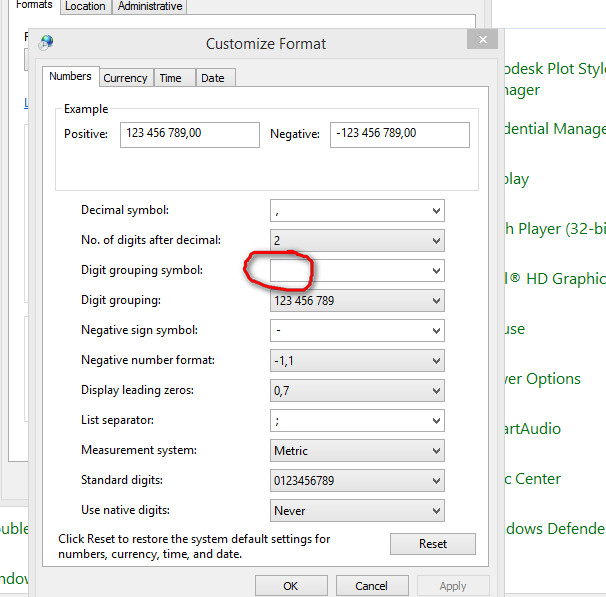
Thanks very much for help! I resolved it with change in Regional settings "Digit grouping symbol". It is a bag in the Windows 8.1, when select in Region: Russia, in place of digit grouping symbol is simple space.
2016-01-16_003121.jpg

when i change this in this form:

2016-01-16_003213.jpg

everything worked as it should!!!

3 replies

19-Tanzanite
January 15, 2016

Please post the worksheet.

1-Visitor
January 15, 2016

on the page 7

25-Diamond I
January 15, 2016

Which version of Mathcad, which Maintanance release are you using?

And of course, as Richard already told you, you should post/attach the worksheet.

To do so choose  "Use advanced editor" at the upper right and then you get (at the lower right) the option to attach files.,

1-Visitor
January 15, 2016

I'm use Mathcad 15 (M045).
It's problem appear everywhere. for example most simple:

2016-01-15_220836.jpg

1-Visitor
January 15, 2016

No error for me (MC15_M010):

I'd suggest reinstalling Mathcad.

lawrencelawrenc1-VisitorAuthorAnswer
1-Visitor
January 15, 2016

Thanks very much for help! I resolved it with change in Regional settings "Digit grouping symbol". It is a bag in the Windows 8.1, when select in Region: Russia, in place of digit grouping symbol is simple space.

2016-01-16_003121.jpg

when i change this in this form:

2016-01-16_003213.jpg

everything worked as it should!!!