
1-Visitor
October 25, 2018
Solved

what happen this experience?

  • October 25, 2018
  • 3 replies
  • 10520 views

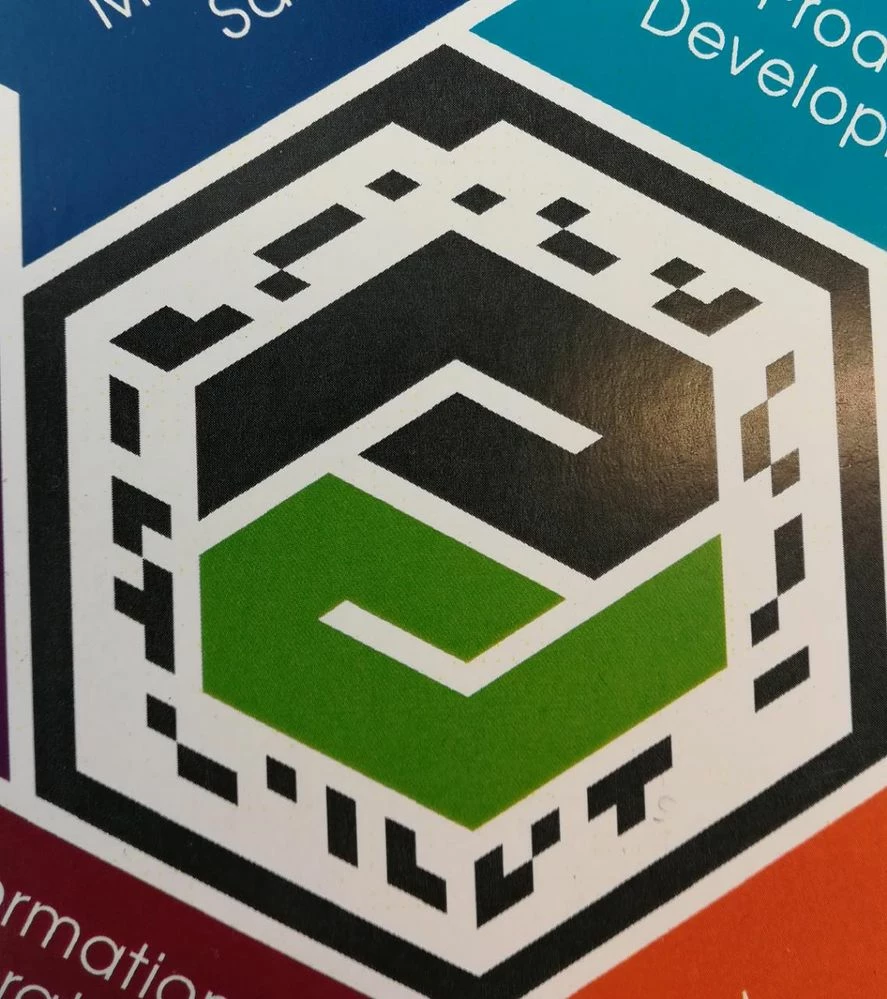
hello everyone, I'm trying to launch an experience with name "citropack" is a thingmark that we gave as a demo by PTC, before the 3D model was placed on the thingmark but now places it in another position, you know what happened? It is worth mentioning that it is a ptc thingmark


thingmarkk.jpeg


Best answer by emmanuel001

realy realy thanks for all help, my 3D model does not have any sequence, I already added a 3dlabel and the same thing continues to happen, I have used different 3D models, in different formats, from different platforms but it is still happening, will you have a simple project that could matter and try it?

3 replies

21-Topaz I
October 25, 2018

This ThingMark seems to be for the View Gallery. There is not an experience "citropack" in the gallery. What do you see when scanning the ThingMark you shared?

16-Pearl
October 25, 2018

I can't seem to read this ThingMark from the screenshot, but based on what @tmccombie said, it's the gallery ThingMark.


So if you scan the gallery ThingMark with a mobile device, it will take you into the Gallery where you can see the PTC examples.  If you scan the gallery ThingMark with a HoloLens, then it will launch an single experience based on the Bosch CytroPac.


So if you're trying to get the CytroPac experience on a mobile device, you'll need something else.


You could try the HBR AR app as it has the CytroPack as an example, although this example was created using Vuforia Engine rather than Vuforia Studio.  You can get the HBR AR app for iOS, Android and HoloLens.

18-Opal
October 29, 2018

If you are trying to view this on a Hololens, the physical size of the thingmark is important. It will only appear positioned correctly if the thingmark is printed (or displayed, if you are viewing on a screen) at the expected size.

5-Regular Member
October 29, 2018

The physical size is important for mobile devices as well. Its important to track properly that the size of the tracker in Studio matches the size of the actual tracker

18-Opal
October 29, 2018

To some extent, that's true, especially if you are trying to match virtual geometry with physical objects. However, for purely virtual experiences on a mobile device, having a mismatch between the thingmark size in the experience and the printed thingmark will generally just result in the entire experience being scaled up or down. In fact, sometimes it's useful to use this feature to provide a "scale entire experience" feature by rescaling the virtual thingmark dynamically. To expand or "zoom" an experience, you can reduce the scale of the virtual thingmark, and the opposite as well.

But that doesn't work well with Hololens experiences, because the Hololens uses the size of the thingmark to help estimate depth, so if there is a mismatch, the experience will appear displaced in space. For example, if you define a 6" thingmark in your experience, but you print a 2" thingmark for viewing, the Hololens will assume the 2" thingmark is actually 6" across, but farther away than it really is, so the experience will appear far away as well (e.g. beneath or behind the surface of the thingmark).