

Creo Parametric Community Challenge 3 - Simulate a Drop Test
This month’s challenge has a simulation theme. Many products have requirements regarding the ability to survive multiple drops from a given height. Your challenge is to simulate a drop test in Creo Parametric. Many people have a technique for simulating drops; if you don’t, how would you create one? You can use Creo Ansys Simulation, Creo Simulation Live, Creo Simulate, Mechanism Design Extension (MDX), Mechanism Dynamics Option (MDO), or any other module you see fit.
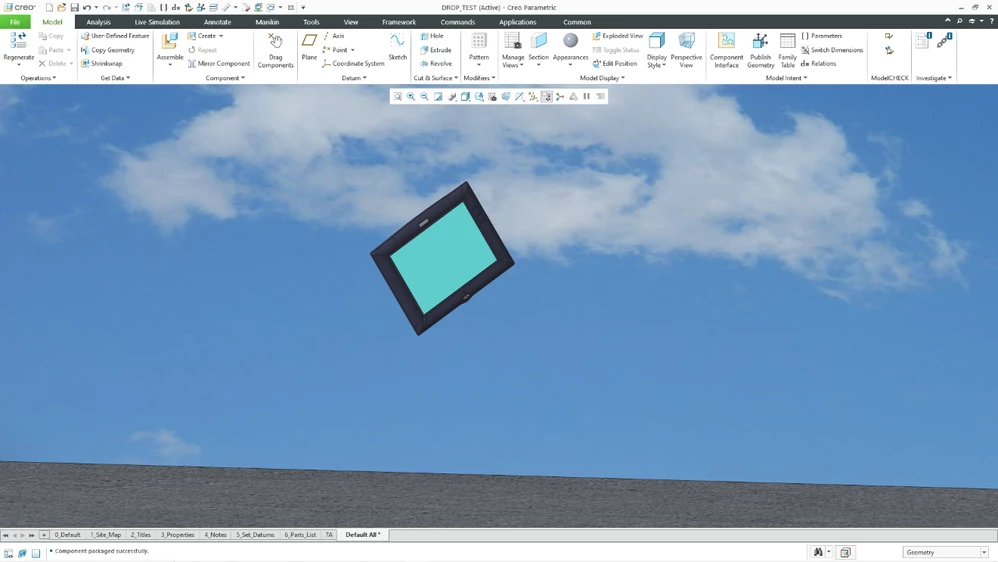
You may use any model of your choice; a simple block will suffice if that’s all you have. You can drop your object from any height that you choose, although heights of 4 to 8 feet (approximately 1.25 to 2.5 meters) are common. You can choose any orientation for your object; please do not feel like you have to follow guidance of sources like MIL-STD-810 with multiple orientations and multiple simulated drops. You can choose whatever results that you want to convey, such as stress contour plots, displacement plots, or motion animations. Bonus points for a screen recording or MDO / DAO (Design Animation Option) movie. The important thing is that we would like you to share with the community how you would simulate a drop test in Creo.
Find the PTC Creo Community Challenge Guidelines here!