

Question
Dimension Name Relation
I want to setup my .dtl to automatcially insert the dimension names next to the dimensions in my drawings. This way, all of my dimensions are numbered.
I figured that the best way to do this was by using the dimension name that Creo automatically assigns to each dimension. (See figure below)

I also figured that the best way to insert the number was by placing it next to the dimension by placing a relation in the dimension text. (see figure below)
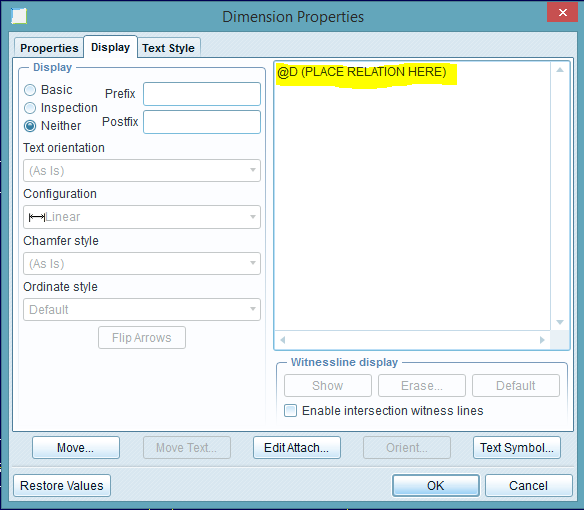
Unfortunately, I haven't been able to find a relation that will pull the dimension name. Does one exist? If so, what is it?
This thread is inactive and closed by the PTC Community Management Team. If you would like to provide a reply and re-open this thread, please notify the moderator and reference the thread. You may also use "Start a topic" button to ask a new question. Please be sure to include what version of the PTC product you are using so another community member knowledgeable about your version may be able to assist.