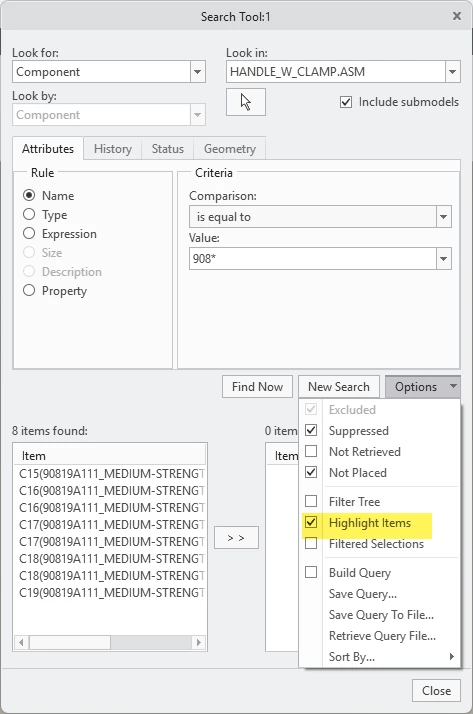
How to not expand model tree after using Find
Hello everyone,
I'm building some mapkeys to create some basic functionality that PTC forgot to add in the past 10 years. To do this I'm using the "find tool", which works okay-ish. You can't use the saved query mode though, because sometimes it takes too long to load the query and then it's already finished doing all the mapkey commands, so you have the build the query every single time in the mapkey.... But I'm getting sidetracked.
Right now I'm building a mapkey that hides all fasteners in the model. So I use the find tool to look for all fasteners and then hide them. However after running the mapkey, my whole model tree is expanded to the level where every single fastener is.
I have tried changing auto_locate_in_tree to every possible option but that only works for items you select by clicking on them.
I don't want to use collapse all, because if I was already deep in the tree when running the mapkey, I'd have to dig again.
Any ideas on how to do this?