
17-Peridot
August 1, 2020
Question

Drawing PDFs w/ Revision via Excel Tables and Power Query

  • August 1, 2020
  • 1 reply
  • 1757 views

This type of automation need has come up a lot with our customers...


Here is a nice overview of how to do this using Creo, native Tables and Power Query within Excel.


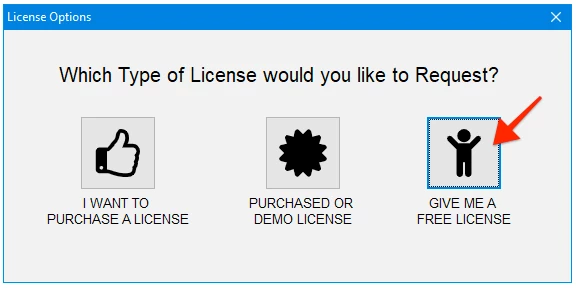
This can be done for FREE using Nitro-CELL -- just request a FREE license.
2020-07-21 at 10.02 AM.png


Enjoy


Dave

1 reply

24-Ruby III
October 14, 2020

Hi Dave,

in your video at 1:15 I can see that after entering =nc_command[erase you will get menu showing following command list

list.png

Unfortunately when I type =nc_command[erase in my Excel 2016 it does not offer any command. Do you have any tip how to resolve this problem in my environment ?

Note: I am testing Nitro-Cell using free license.

17-Peridot
October 14, 2020

That is a standard thing in Excel... I doubt this would be a language limitation.


Be sure to “upgrade the workbook” (button on main screen in Nitro-CELL) if you are pointing Nitro-CELL to an existing Excel Workbook.


The upgrade process adds in the required Tables to Excel (separate Worksheet within the Workbook) that Excel picks up on the Table(s) as a variable.


Excel 2016 works just fine - but I have noticed that a more current version of Excel is better at filtering commands dynamically like you see in our videos - worth the $8/mo). 😬


dave