Hello Tomas Coufal,
There's a bunch of possibilities:
1. Easiest.
Just try to do:
Things[myThing].propertyName = value;
2. More flexible.
Allows to pass also a timestamp - important when you'd like to log the values of your property and want to have set also a timestamp.
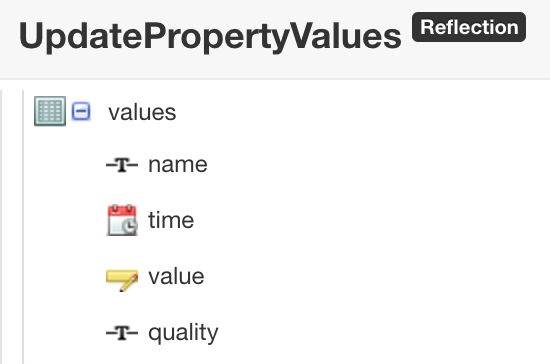
// since input for UpdatePropertyValues is of type InfoTable, create one
var createITParams = { infoTableName : "InfoTable", dataShapeName : "NamedVTQ" };
var properties = Resources["InfoTableFunctions"].CreateInfoTableFromDataShape(createITParams);
// create a row with data
var row = new Object();
row.name = "propertyName"; // name of your property
row.value = 5; // desired value
row.time = new Date(); // you can set any timestamp you need - important when using ValueStreams to log
row.quality = "GOOD"; // optional
properties.AddRow(row);
Things[myThing].UpdatePropertyValues({ values: properties });
3. Other.
3a. InfoTable should have a field with name and type that conforms to the name and type of your property. Let's say I have property "a" of type "NUMBER":
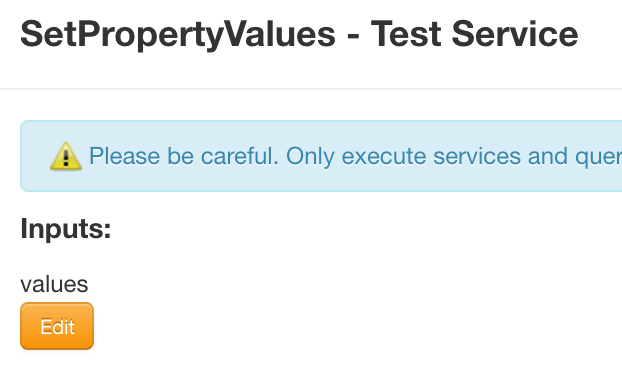
// since input parameter for SetPropertyValues is InfoTable, create one
// can be InfoTable without datashape, we will create necessary fields dynamically
var createITParams = { infoTableName: "MyIT" };
var properties = Resources["InfoTableFunctions"].CreateInfoTable(createITParams);
// add a field to our InfoTable (name and baseType should conform to our existing properties)
var newField = new Object();
newField.name = "a";
newField.baseType = 'NUMBER';
properties.AddField(newField);
// create a row with data
var newEntry = new Object();
newEntry.a = 5; // the field name in this object ("a") conforms to the name of our property (and field)
properties.AddRow(newEntry);
Things[myThing].SetPropertyValues({ values: properties });
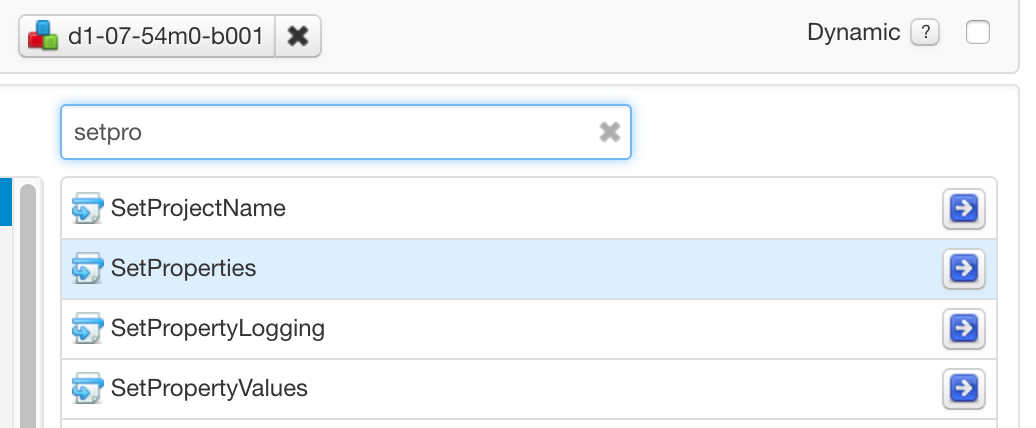
3b. SetProperties is Mashup-only service so it's not available from the scripts.
Hope it helps.
Regards,
J.