How to make audio play after interacting with a virtual object
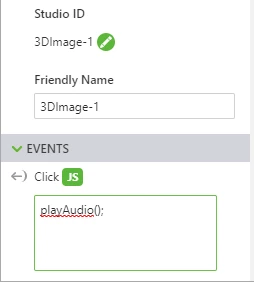
Kind of a multi-part question. I have added a 2D audio widget ('audio-1') into my project. I would like to have it start playing only when I touch a 3D image.
1) How would I go about implementing this? I've been having issues figuring out the code and the path name to reach this. Is it $scope.app.params? Is it $scope.app.fn.triggerWidgetService('audio-1', 'playAll');?
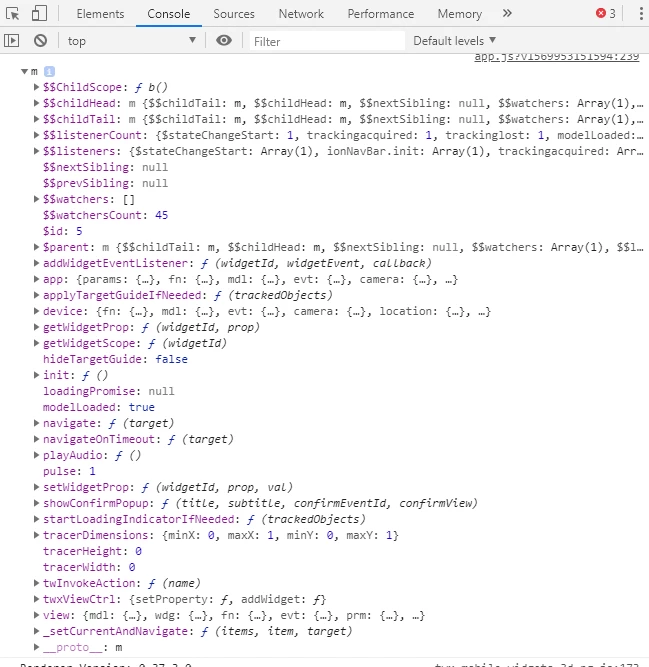
2) Just in general, can someone help me understand better all the pathnames? It's kind of a pain trying to figure out what works and what doesn't. Likewise it's hard to figure out how to have the code trigger events like animations of .pvz files (svc.playAll for example). If someone can kind of type them out and/or help me understand how to derive these things, it would help immensely. Loosely I understand the bindings that the UI provides, but it's still a little confusing trying to actually type in the line of code that's syntactically correct to do what I need it to do.
3) If I wanted to have multiple small sound bytes that would play after each click (in a cycle -- or at the very least sequentially), how would I implement this? Think voiceovers that play in sequence but only when the time is right. Should I:
A) Add multiple 2D audio widgets and attach each corresponding mp3 files to them then hide them from view?
OR
B) Should I have all of those sound bytes strung together into 1 mp3 file and attach it to the 2D widget? Then have the javascript code in the backend toggle between play and stop?
What is the best way to make this a seamless experience yet and also keep it program-lite and not performance-intensive?