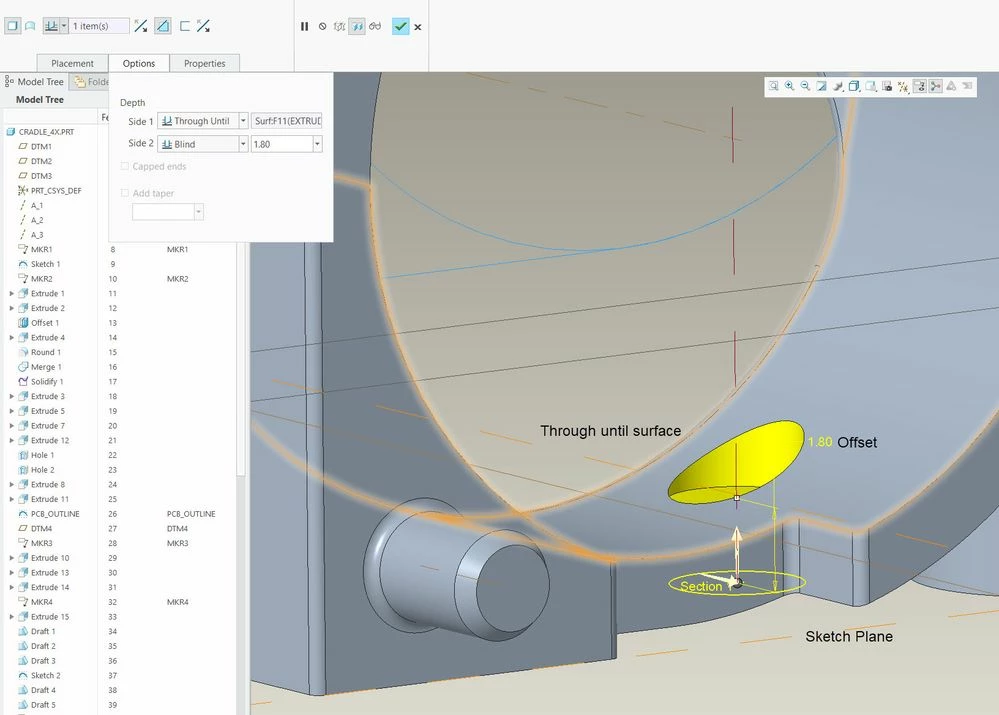
HELP: Can Creo do Offset Cuts/Extrudes???
A handy feature in SolidQuirks is that when making a cut or extrude, you can offset the starting point.
So, instead of having to define a plane to start a feature that you want to begin where there isn't already a plane or flat surface, in SolidQuirks, if there is a parallel surface or plane, you sketch on that and then do you extrude or cut starting at a specified offset distance.
Saves you from having to create the extra plane.
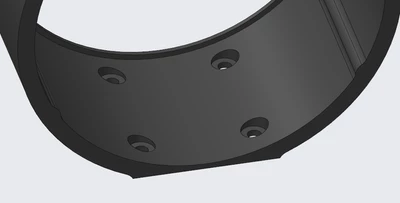
If you see the holes above, they are not something that you can easily start from the rounded side of the bracket. So creating the holes from the flat part underneath is very desirable. I first placed the four inner holes and then created a separate feature for the counterbores. To do this I needed to create a plane for the counterbore sketches. In SolidWorks, I would have just sketched on the flat face and then started my cut at the offset distance without needing the extra plane.
Here's a not-very-good example:
Is this possible in Creo?