

Solved
Creo Illustrate / The "Line style" changes in "Insets"
Hello all,
is it normal for the line style (e.g. centerline) to change when you place an Inset? Can this be changed or switched off?
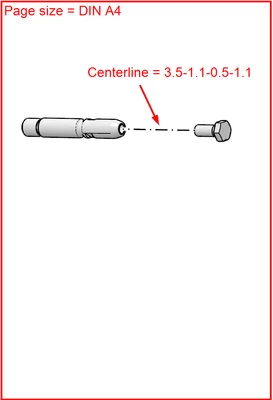
I have placed a bolt with screw and centre line on a DIN A4 page size.
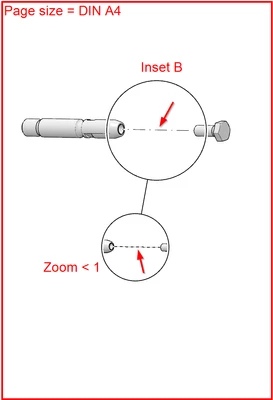
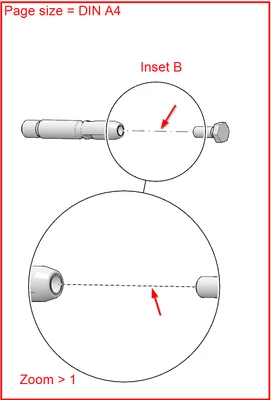
When I insert an Inset B, the centrerline style changes. In addition, the line style in the Inset (zoom) is completely different. It is far too small in this case, although it should not actually change despite positive or negative zoom. And if it does, the distances should at least become larger (and not smaller) with a positive zoom.
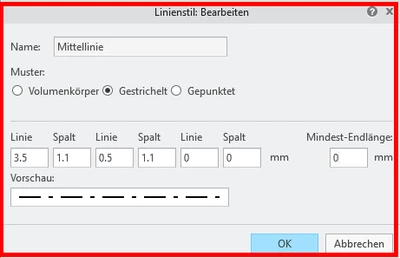
The line style:
Placing a bolt and a srew on a DIN A4 page size:
Insert a Inset B with zoom < 1:
Making the zoom >1:
Can this behavior be changed?
Best regards
Ramon
(Siemens Energy)