1-Visitor
July 22, 2025
Solved

Error message when opening a file in .edz format wiht Creo View Express 12.0

  • July 22, 2025
  • 3 replies
  • 400 views

Hello.

I have a project in which I use AutoCAD. I have several files in .edz format that I need to open to convert them to a format compatible with AutoCAD.
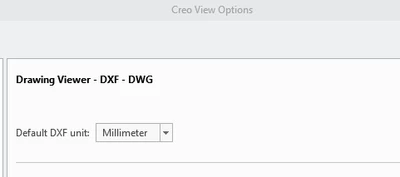
DD_13881493_0-1753175238309.png

I open one of these files in Creo View Express 12.0:
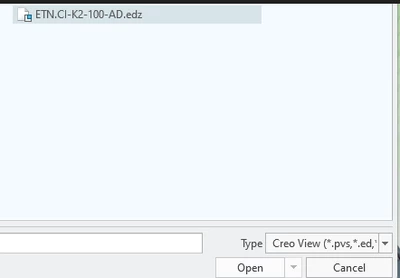
DD_13881493_1-1753175283547.png

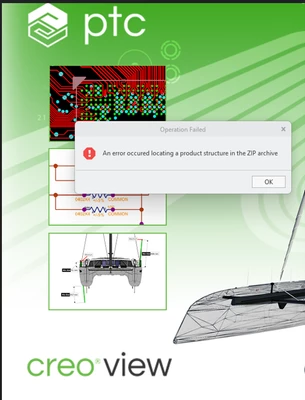
And the following message appears:


DD_13881493_2-1753175341781.png


Does anyone know the reason for this error and how to resolve it?

Thank you in advance for your answers.

Best answer by VladimirN

Article - "Creo View displays "An error occured locating a product structure in the ZIP archive" when opening a previously saved .PVZ": https://www.ptc.com/en/support/article/CS81367 

3 replies

24-Ruby III
July 23, 2025
Catalina
Community Moderator
July 29, 2025

Hi @DD_13881493 ,

I wanted to see if you got the help you needed.

If so, please mark the appropriate reply as the Accepted Solution or please feel free to detail in a reply what has helped you and mark it as the Accepted Solution. It will help other members who may have the same question.

Of course, if you have more to share on your issue, please pursue the conversation.

Thanks,

Catalina | PTC Community Moderator
VladimirN24-Ruby IIIAnswer
24-Ruby III
December 2, 2025

Article - "Creo View displays "An error occured locating a product structure in the ZIP archive" when opening a previously saved .PVZ": https://www.ptc.com/en/support/article/CS81367