

Illustrate video output - can't get the size right
Hi,
On my journey with setting up Creo Illustrate I've found out that videos (MP4) generated by the software have way different dimensions or viewing area if you please, than what's visible in Creo illustrate while recording. It defeats all the purpose of doing sequences or animations if you can't predict what's going to be visible in the actual video export.
So am I missing something or is there an option to adjust the Figure page size to what's going to be exported so that I know what I record is what's going to end up in the actual video?
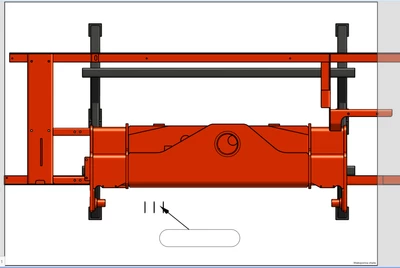
Photo 1: Creo Illustrate view. A3 page setup.
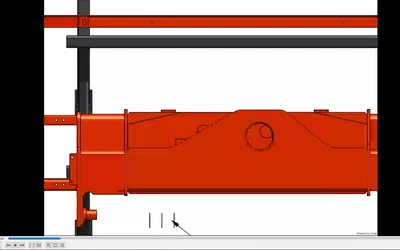
Photo 2: Recording view
EDIT:
Ok...so apparently when you hit "Export" everything works fine, however publishing as MP4 is completely different. Is it a bug or do I need to edit some recipe or what? When I''m going to have a tone of sequences to publish generating them is going to suck...
Kind regards,
Tom