Question
PTC Creo Advanced Framework Extension
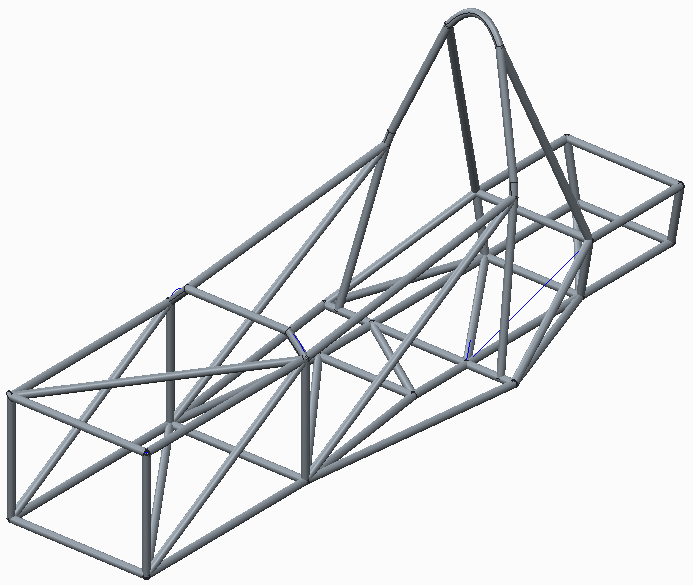
Do you enter competitions like Gravity Racing, Human Powered Vehicles or Greeenpower? PTC Creo Framework extension is perfect for modelling the chassis.
Here is how it works.
- Create a skeleton part with datum points. lines and curves where you want tubing and datum planes for section orientation .
- Add the part to an assembly.
- In the assembly, use the Framework tab to select a material section and size.
- Use the Framework tools to add tubing along curves and lines and between datum points. each pipe is added as a new part in the model tree.
- Use the Framework tools to specify joints between tubes.
- Create a drawing of the assembly and add a table for total length of each section used plus a table for the length of tubing for individual tubes.
- Open each part and use sheet metal tools to split and flatten the tube to print a paper template for cutting the joint profiles.
A zip file is attached containing instructions and the files/Youtube link showing how to create a car chassis.
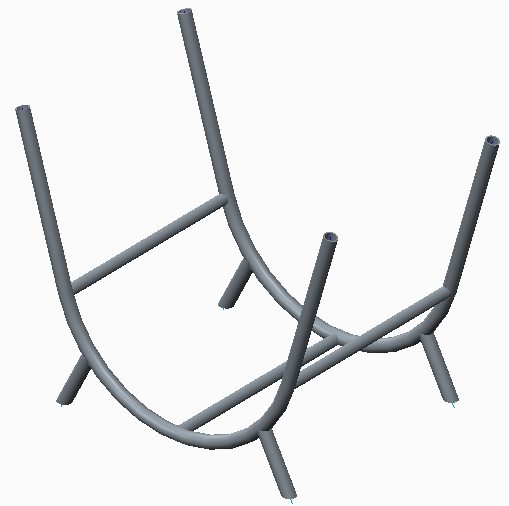
Do you have a KS3 project that could use Framework Extension? I modelled a log basket but it's hardly going to enthuse pupils, how many homes have log burners at home! A zip of the log basket files is also attached. Zip with Creo models and video tutorial is attached.
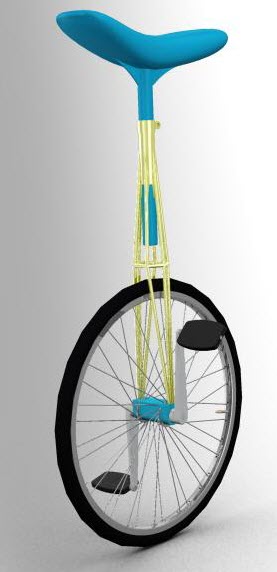
Many years ago when I taught, we made unicycles with students and showed them how to ride.
For fun I created a space frame unicycle :-). Zip attached.