

Question
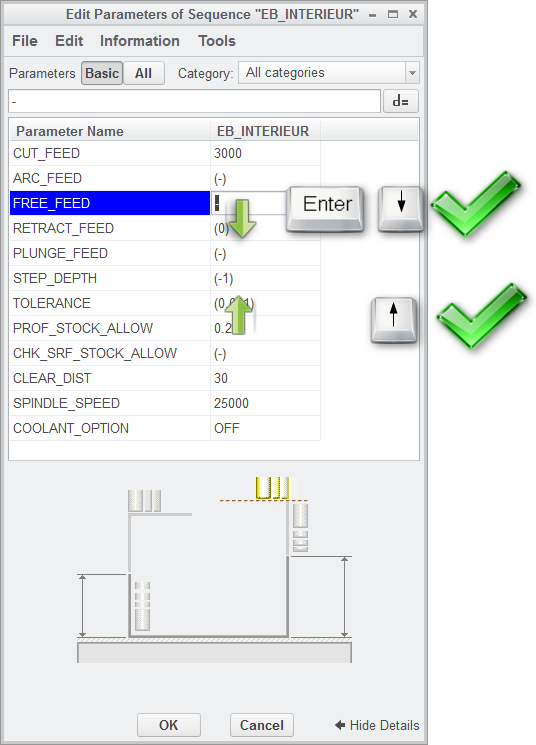
Allow to move in the manufacturing parameters with keyboard arrows.
Pressing "Enter" allows selection of next Pro/NC parameter in "Parameters" tab of all Pro/NC sequences in Manufacturing environment.
There is no key to select the previous Pro/NC parameter in "Parameter" tab !
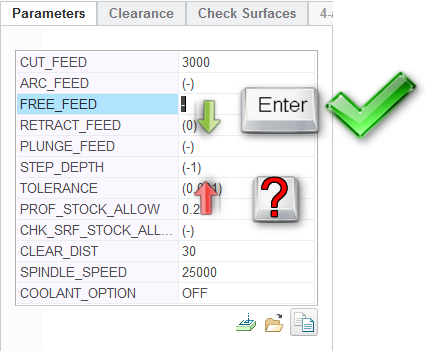
Pressing "Enter" or down/up arrow key in parameter window
This thread is inactive and closed by the PTC Community Management Team. If you would like to provide a reply and re-open this thread, please notify the moderator and reference the thread. You may also use "Start a topic" button to ask a new question. Please be sure to include what version of the PTC product you are using so another community member knowledgeable about your version may be able to assist.