13-Aquamarine
April 23, 2025
Solved

Can't rename files with "Assembly Save a Copy"

  • April 23, 2025
  • 3 replies
  • 1708 views

I am using Creo 9.

I have received a large step file with over 1k components, I have imported it successfully and now I need to rename some of the files.


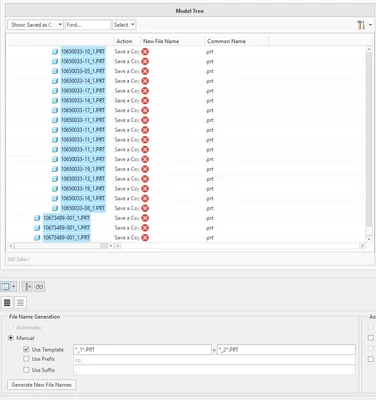
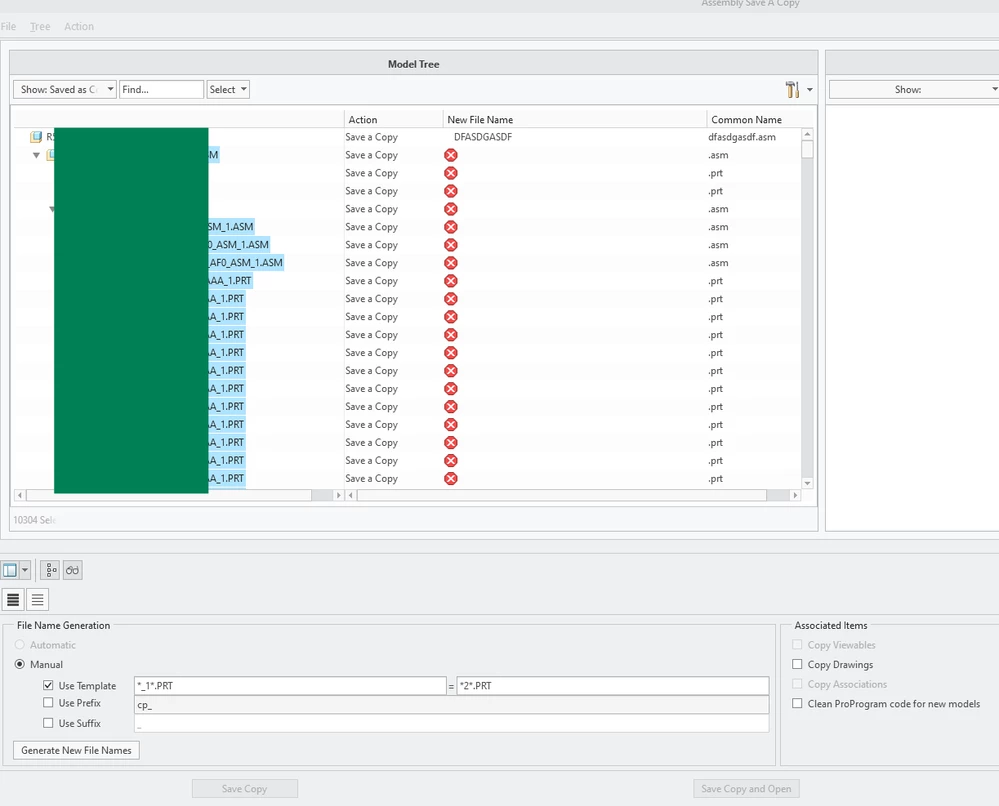
I tried to use "Use template" option - no matter what I choose to do - the generation of file names would wipe out all of the values in the "New File Name" column (see screenshot attached). I tried  asterisk symbol in front, at the end, or both in front and after the characters i need to replace; i also tried using suffixes and not using suffixes for the new file name.


I also tried File > Save, edit file list in excel, and then import it back, but it doesn't apply the renaming when importing.

I see most of the problems with file names being too long, but I can't remove sections of file names using template. For example, i need to replace "STEEL" in the names of the files with "S" in 200 files, but no matter what I do I can't make it work. If i use "Template" then it wipes out all names, or if I Export the file names into txt and then edit them - then it simply doesn't do anything.

Definitely looks like a bug, but any advice appreciatedRename.png
Best answer by StephenW

I don't have one I can readily find with long filenames so it's difficult to test and be sure it's right.

My first thought is to get rid of the .PRT

I did that test with it and it gave me an error.

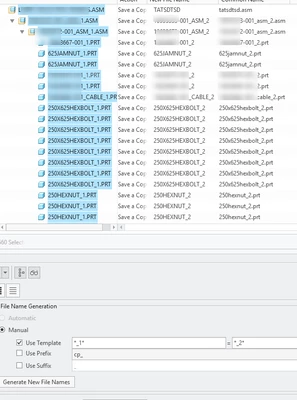
I restarted the save a copy (not just changed the template name and on Second test), no ".PRT* and if worked perfectly.

StephenW_0-1745410195533.png

StephenW_1-1745410340434.png


3 replies

StephenW23-Emerald IIIAnswer
23-Emerald III
April 23, 2025

I don't have one I can readily find with long filenames so it's difficult to test and be sure it's right.

My first thought is to get rid of the .PRT

I did that test with it and it gave me an error.

I restarted the save a copy (not just changed the template name and on Second test), no ".PRT* and if worked perfectly.

StephenW_0-1745410195533.png

StephenW_1-1745410340434.png


kdirth
21-Topaz I
21-Topaz I
April 23, 2025

I agree that using the file extension in the renaming template is problematic. I also experienced issues when trying to use the extension.


If you are looking to rename the models, why not use rename.

There is always more to learn.
16-Pearl
April 23, 2025

You rename template is not right. Try something like this. 


Tdaugherty_0-1745411081707.png


Catalina
Community Moderator
April 29, 2025

Hi @Ben8,

I wanted to see if you got the help you needed.

If so, please mark the appropriate reply as the Accepted Solution or please feel free to detail in a reply what has helped you and mark it as the Accepted Solution. It will help other members who may have the same question.

Of course, if you have more to share on your issue, please pursue the conversation.

Thanks,

Catalina | PTC Community Moderator