Solved
Creo 3.0 cabling-adding locations to wire
Hello,
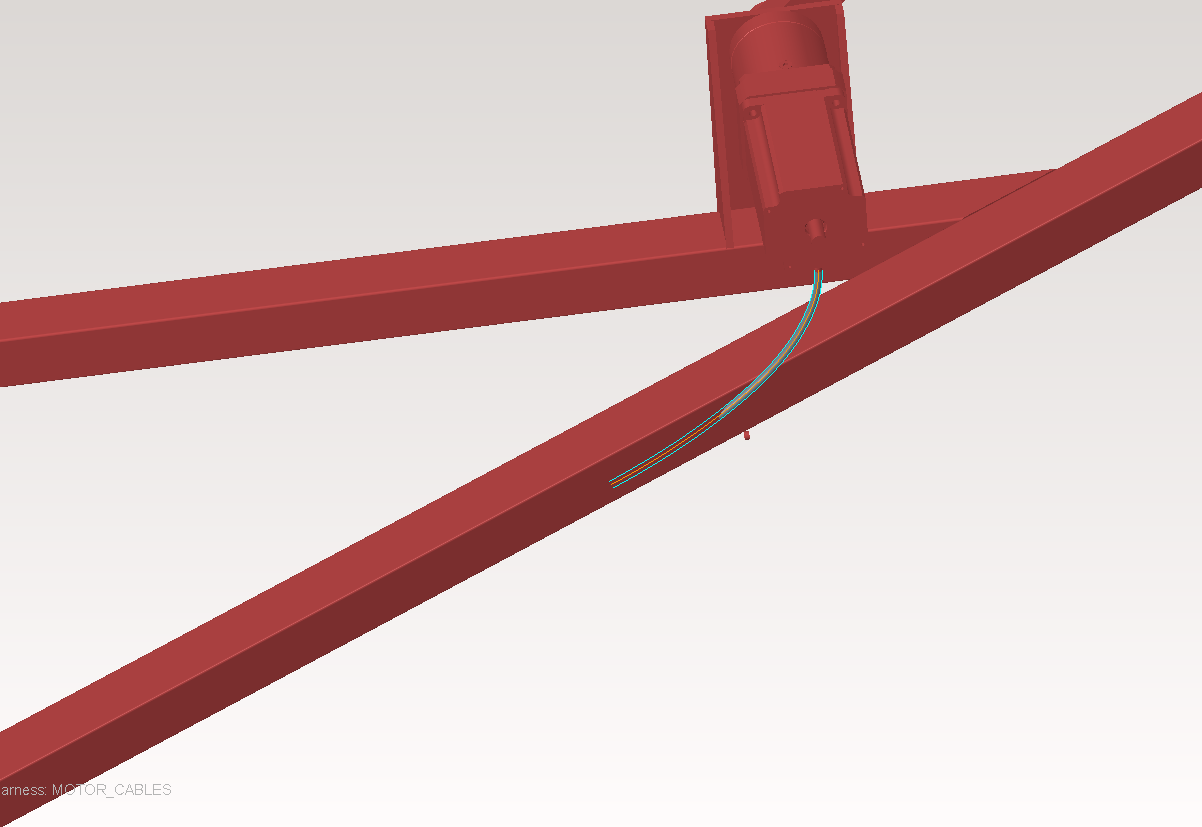
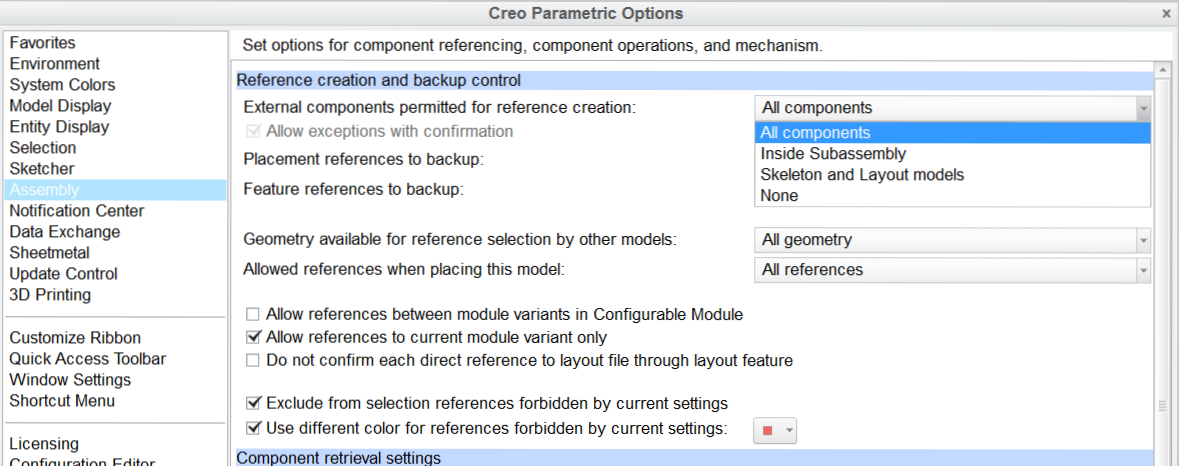
First off, I'm new to the cabling part of Creo but not to Creo in general. With that being said I cannot figure out how to add a location to a wire to route properly through my assembly. I know how it should be done but it is not working for me. I have a simple wire already connected. Here is my process: enter cabling app, right click wire in the model, select 'insert locations' and When I click on it to 'insert locations' the entire model/assembly turns red and it wont let me select any datum or surface or anything for that matter. Any ideas as to what could be the issue? I have tried everything I can think of.
Thank you,
Mike