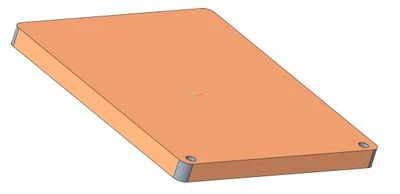
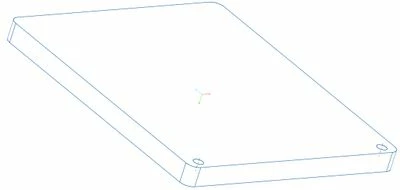
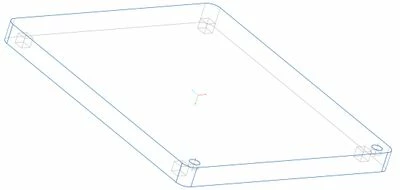
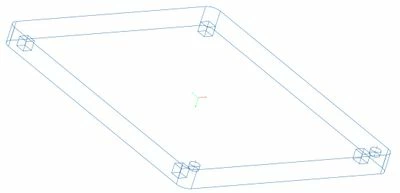
Edges' color change between SHADING WITH EDGES view and NO HIDDEN view
The edges of this part change color between views: they are BLACK in the "Shading With Edges" view and become BLUE in the "No Hidden" view. The edges are also BLUE in the Hidden Line view (with the hidden line correctly displayed as light grey), and completely blue in the Wireframe view.
I would like to keep the edges BLACK no matter what, and if that is not possible, at least I would like the edges to be BLACK in the "No Hidden" view and whatever in the other views.
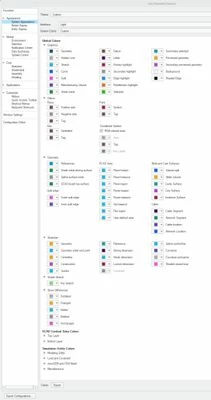
I have played with the color settings for two days now, and I could NOT find the culprit among them.
In my config.pro file I have:
color yes
graphics opengl
enable_fsaa 16
spin_with_silhouettes yes
display_shilhouette_edges yes
tangent_edge_display solid
edge_display_quality very_high
shade_quality 50
skip_small_surfaces no
set antialiasing mode on
smooth_lines yes
What can I do in this situation? Any ideas appreciated!