

Hiding sketches in all Drawing Views, except for one
Hi all,
I think I discovered a bug in Creo. I am trying to follow this tutorial. Hide the sketch from one drawing view and keep it visible in another drawing view in creo parametric
However, this method only works when I hide the sketch in the Model. If it is showing in the model, then the exported PDF shows the lines as well. Also I have tried matching drawing properties as in the video.
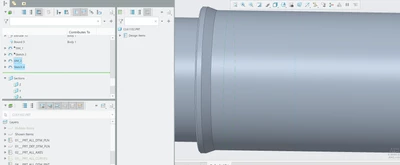
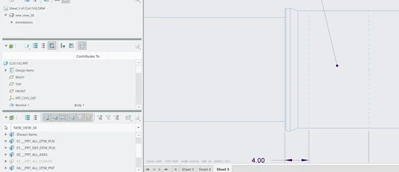
See in above image, 'PRT_ALL_CURVES' is hidden, but it still shows. for some reason it doesn't matter if it's showing or hidden on the drawing, the model overrides what the drawing exports. If I export the drawing with the model hiding the sketch, then there is no issues (except that the drawing still shows the sketch, it just hides it after exporting which is also extremely confusing/frustrating).
Thank you,
Jeff Houston