9-Granite
March 6, 2024
Question

IFX - Place Screw on cylindrical surface

  • March 6, 2024
  • 1 reply
  • 1146 views

How to insert screws by positioning the screw on a cylindrical surface?


I'm using Creo+ and I didn't find any configuration that enables the selection of cylindrical surfaces for positioning the screw head and washer. The red surface shows the location for inserting the screw head.
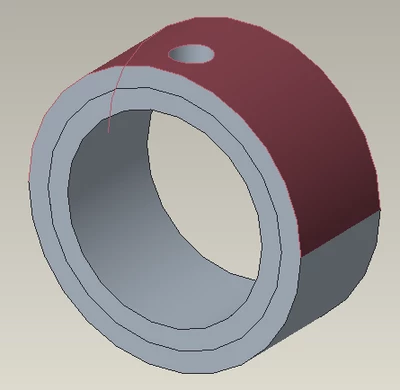
 

Victor_Brumatto_0-1709726571102.png

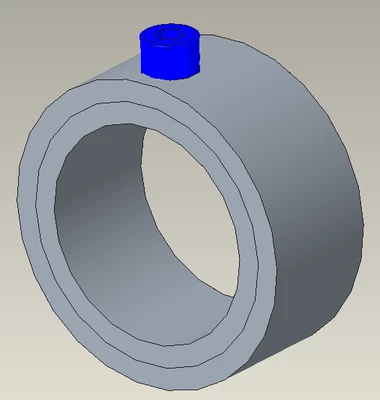
This is the expected end result:

Victor_Brumatto_1-1709726790295.png

 Is there any automatic way for this positioning?

1 reply

23-Emerald III
March 6, 2024

Create a plane tangent to the red surface at the hole center, then place your washer and screw.

9-Granite
March 12, 2024

Hi BenLoosli,


Thank's for your help, but I would like a solution within the IFX tool. I know an I have already done other alternatives.
I think this function should already be common in IFX but it isn't. I would like to know if there is any setting that changes this.


Tks.