Solved
Point Driven Pattern Adds Instances
Creo 3, M070
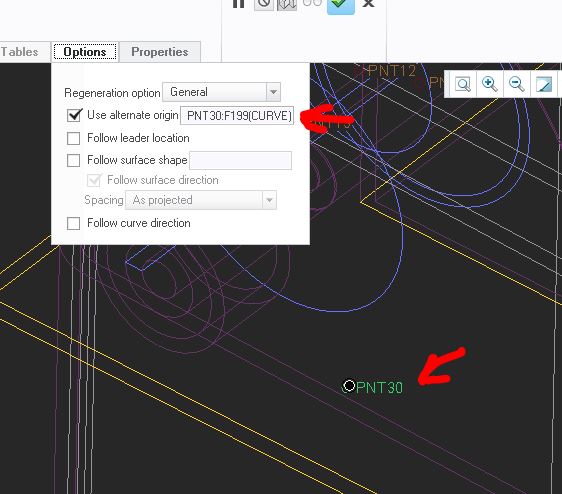
I have a sketch made up entirely of 4 geometry points
I then created two other sketches, both almost exclusively tied to the first of the four points in the original sketch:
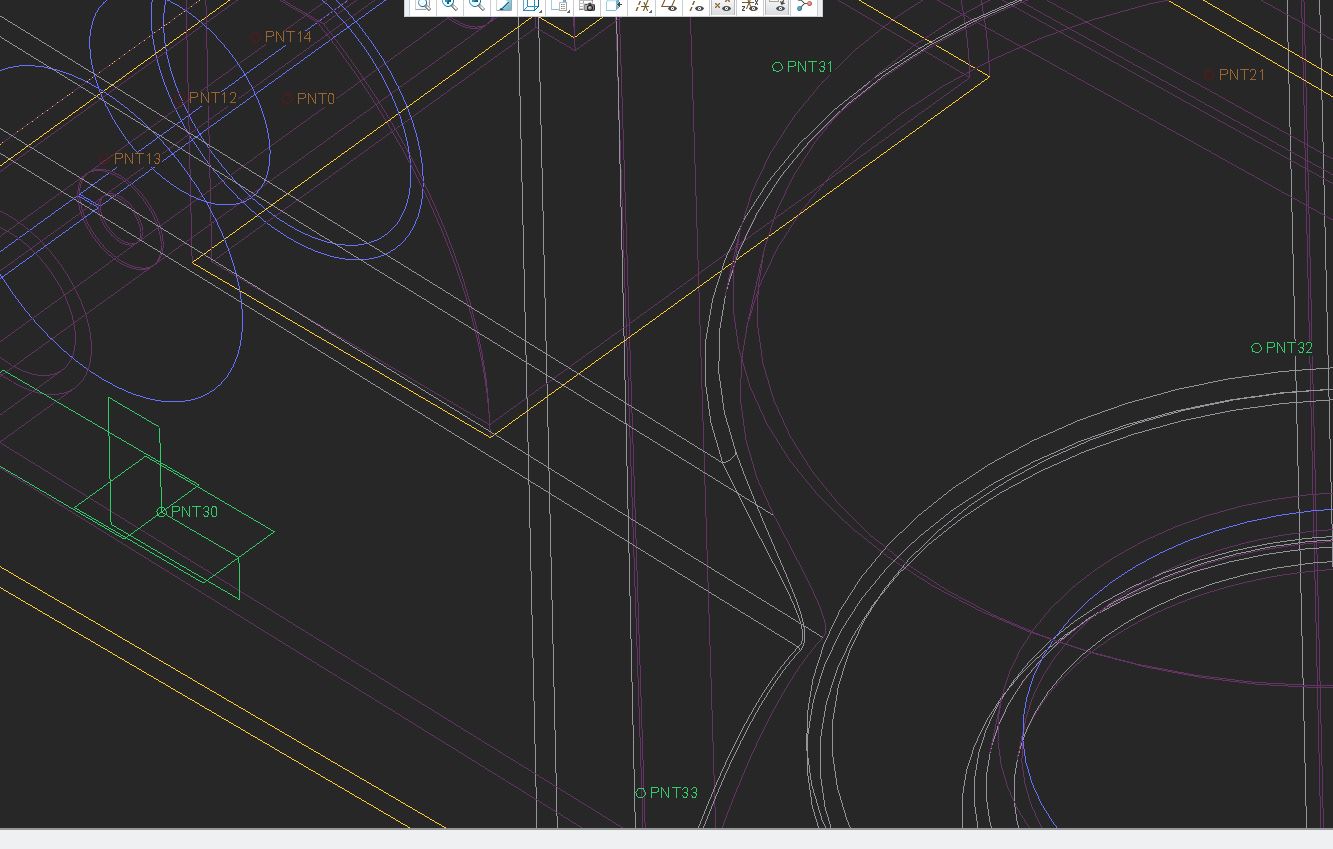
I then group those two sketches and create a pattern of the group driven by the points in the original sketch.
Creo creates 5 pattern instances instead of 4, one being slightly off of the original. There's an extra set slightly offset from the original and not aligned to any of the points:
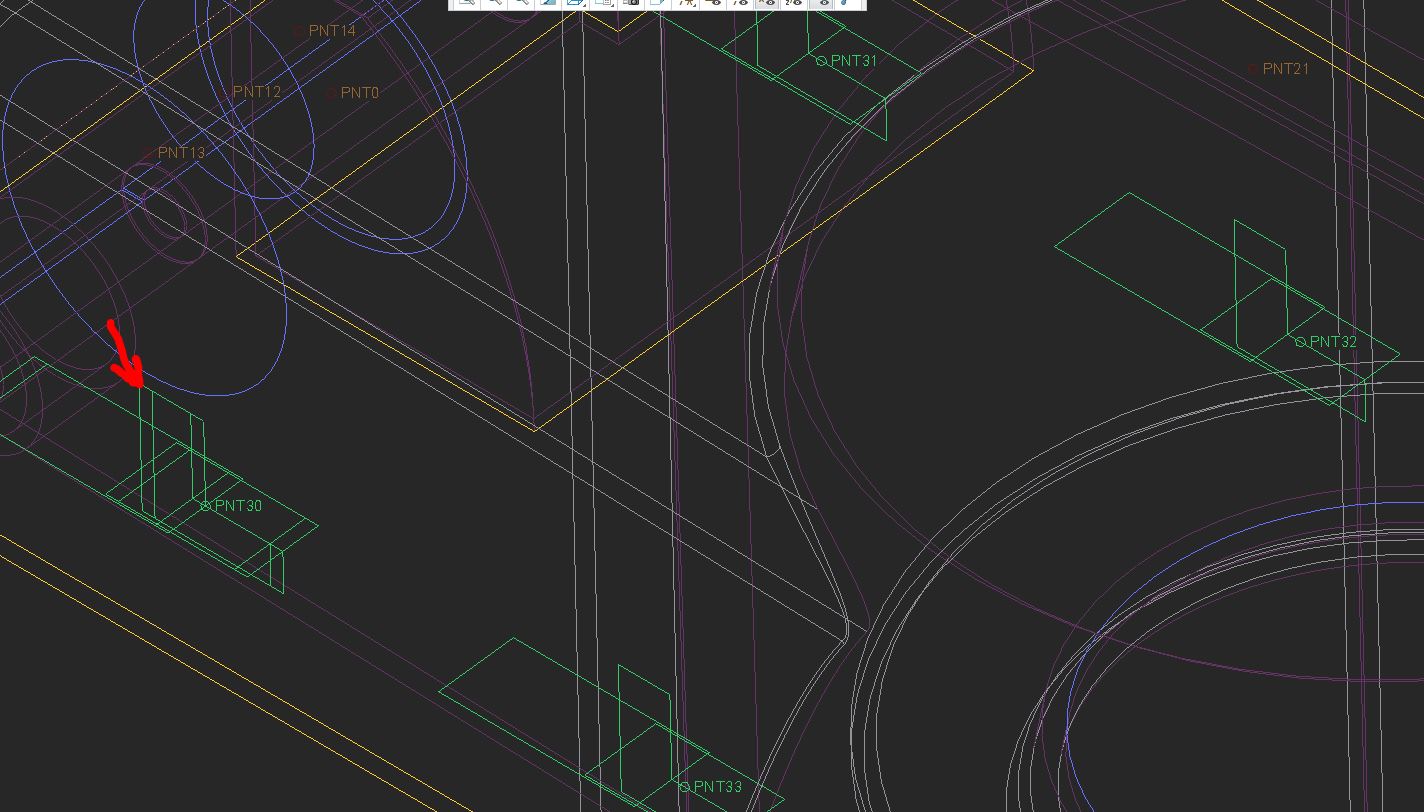
Anyone ever see this? I can selectively disable the extra instance that doesn't align to any of the 4 points, but at some point I assume Creo is going to try to remove the wrong instance and screw up the children of my pattern.
How do I fix it?