
Solved
Selection glow sets the graphics window to pure white in Creo 7
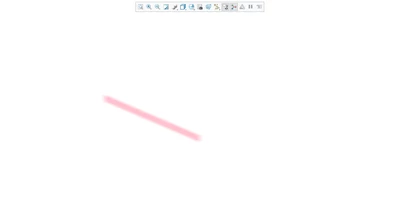
I have used selection glow when presenting models to others extensively. I have recently started working in Creo 7 and the selection glow turns the entire graphics window white with nothing visible except for the selected object.
Has anyone else noted this behavior? Any known remedy for this?
I am aware that the enable_selection_glow option is hidden and not supported by PTC.
This is what happens when selection glow is enabled and the supporting glow options do not modify this effect.
!Selection Glow Settings
enable_selection_glow yes
glow_blur_radius 12
glow_blur_sigma 6.3
glow_blur_type -1
glow_line_width 6
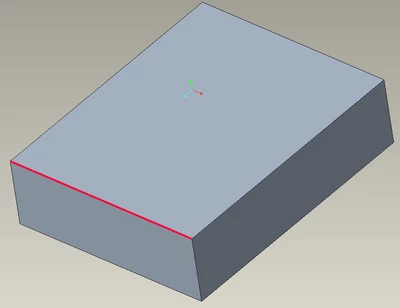
Without glow enabled:
With glow enabled