

Question
Surface desing- smooth radius corner
Hello,
I've an imported surface, that I need to make some changes.
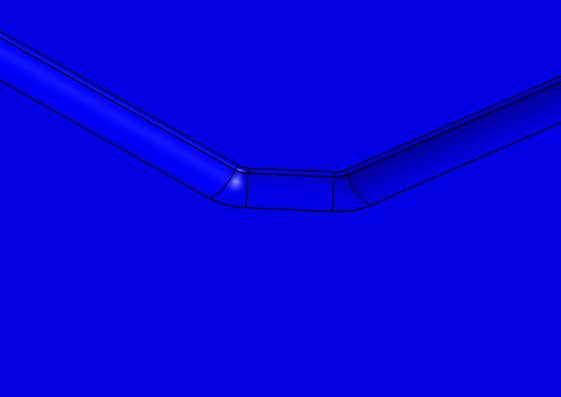 Initial state
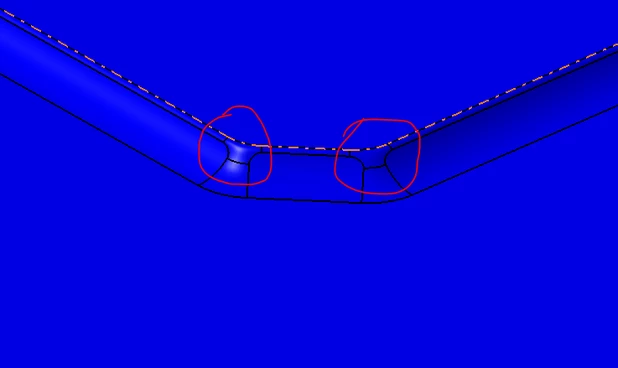 desired state
Generally in other CAD system (for example CATIA). I could do the follwing.
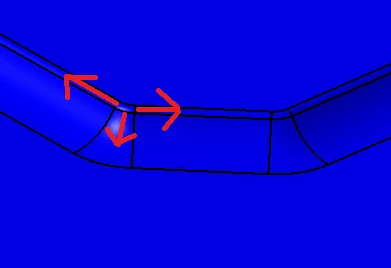 Make a copy of the edges, and them make a translation to them.
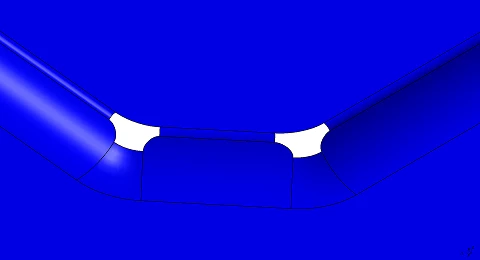 Then, make a spline between the translated edges, and make a trim
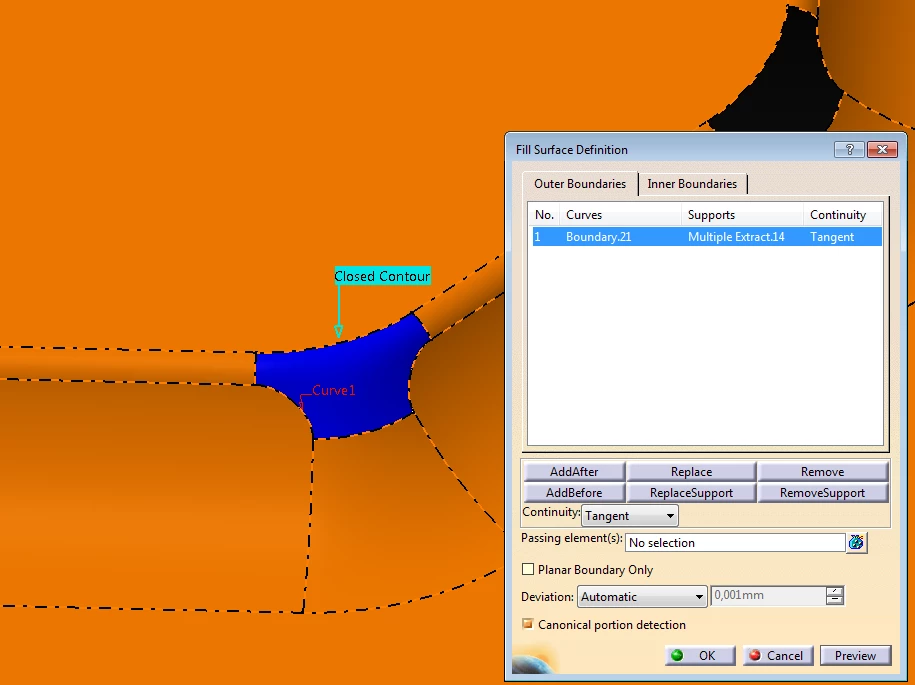 finally, wtih the fill surface command, I pick the border of the surface, make a tangencial constraint between the original surface, and the new one, and the surface is closed
Now I need to replicate those steps in Creo, but I don't know how to do it. Remember, i'm working with imported stp files, all the surfaces are dead.