

WANNA do rendering..... practice hard
Awsome work should be showed off with pure awsomeness... some of the bullet point that i learend by my exp. is going to share with u all.
1. Pro/e (Creo/ARX) is good to use for rendering and easy, obusliy 
2. here is my tip to all u new bees make a new part (something awsome) and put it in diffrent background try to mix it up with background/Envoirment colours, choose part colours from background... try to play with lights and u will find perfection after few weeks... try it
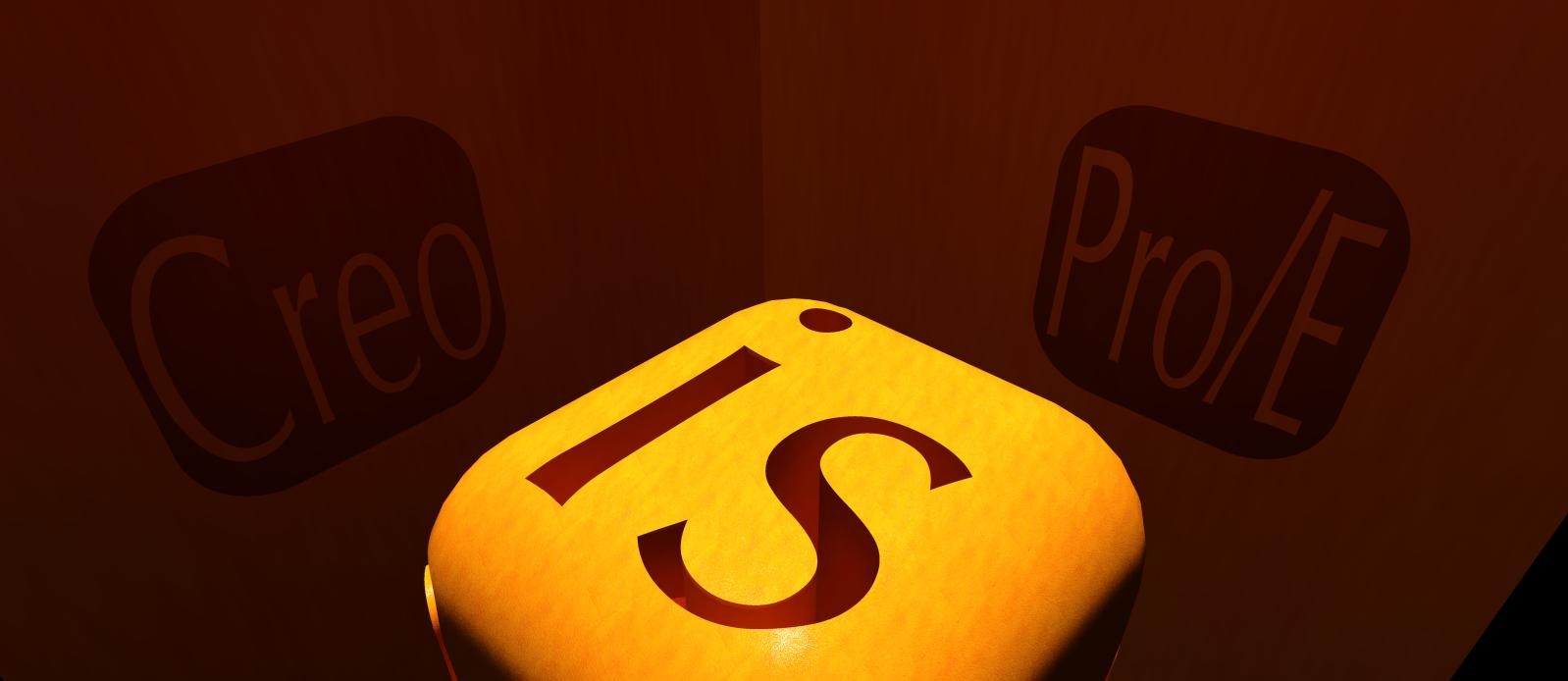
giving u some ideas by posting my renders
Hope to see ur awsome renders here 

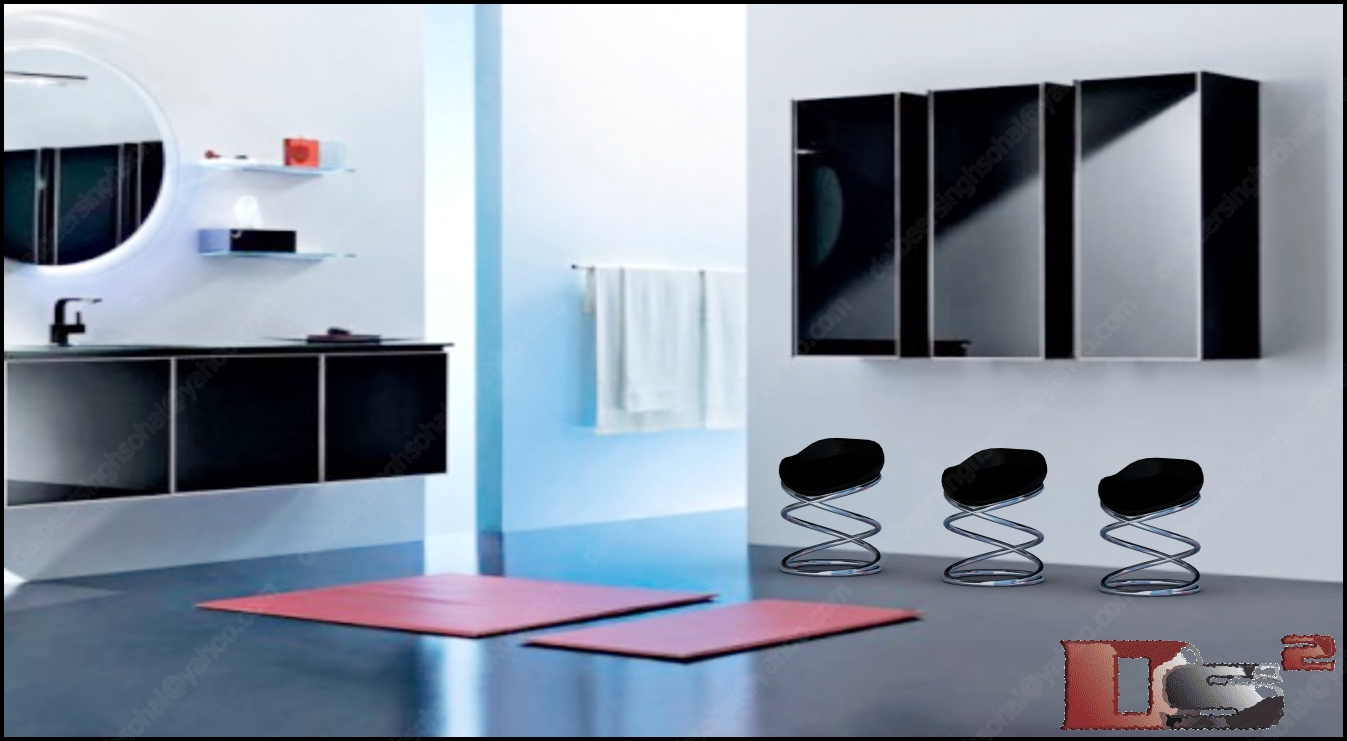

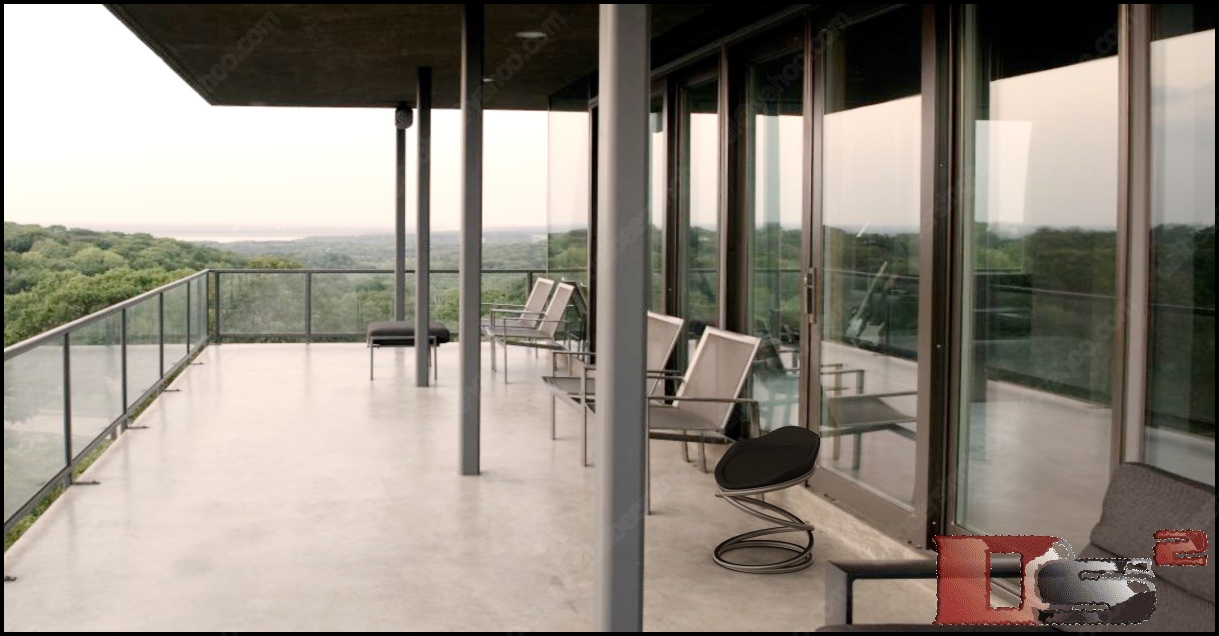
as u can see these r prity good renders isn't it?
3. one more thing to consider is Perspective Veiw, should do practice of it..if u give an good eye angle to ur model matched with background(if ther is any) it will look real..
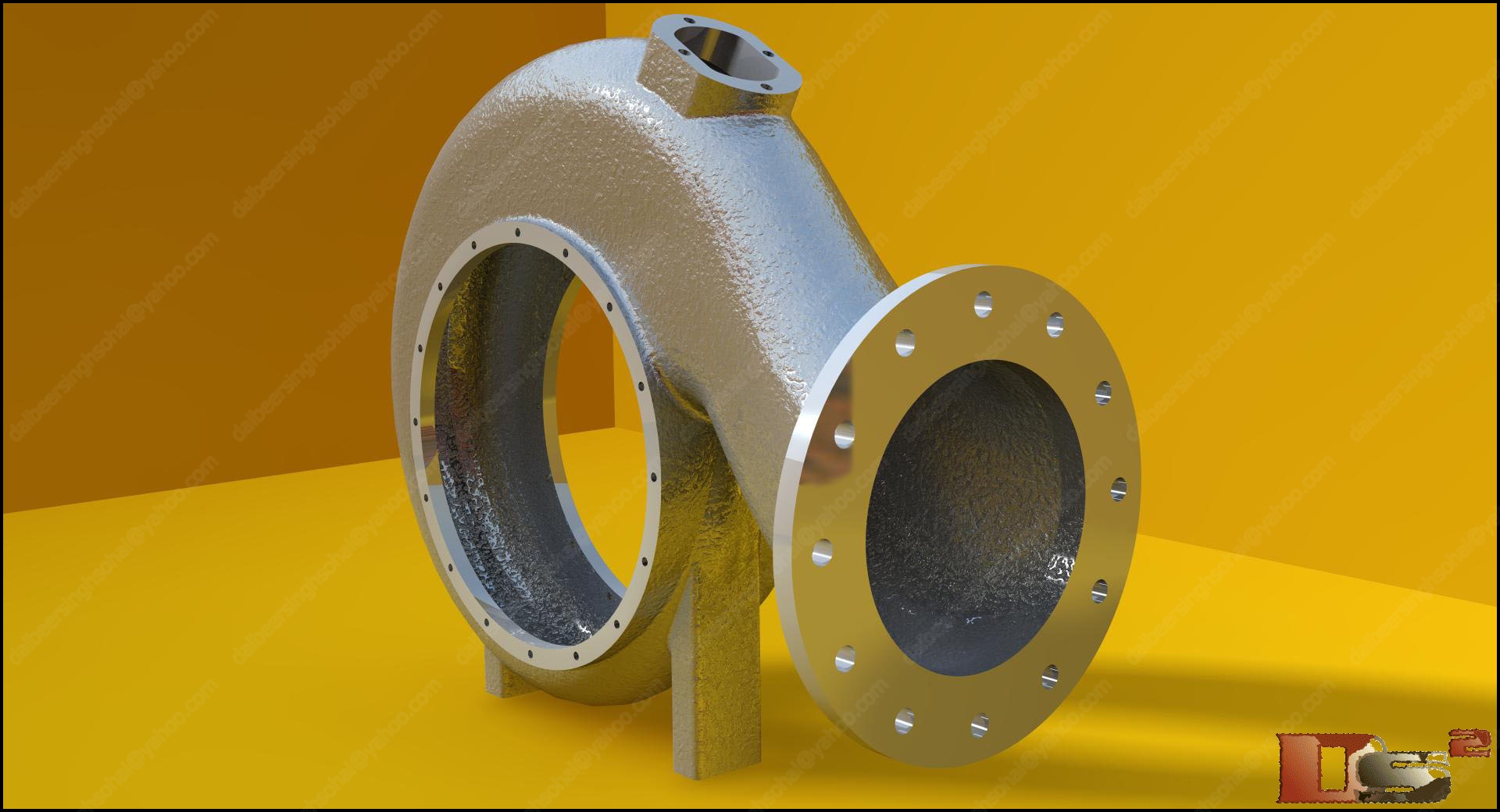
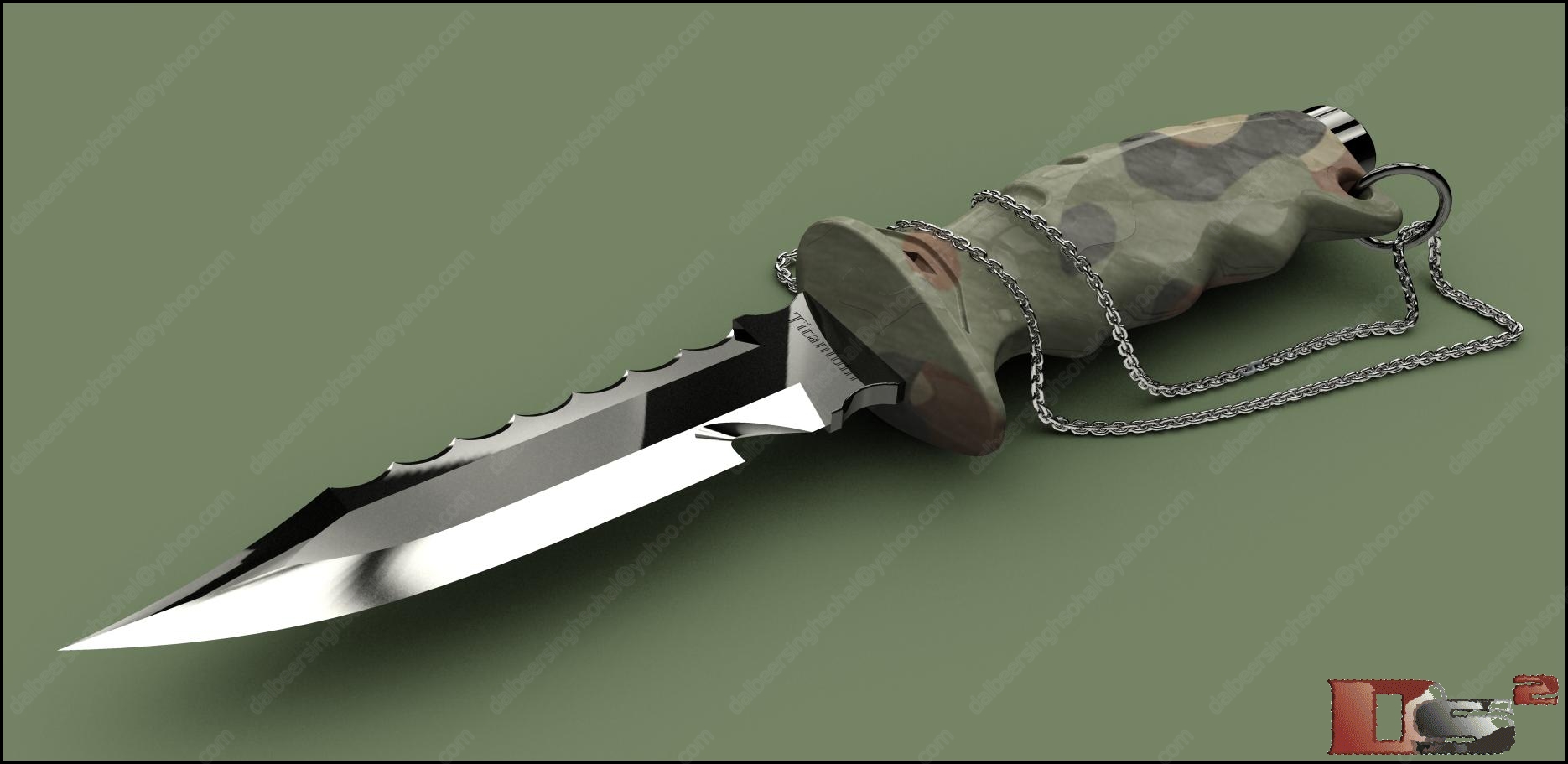
4. Lights gives life to ur model... there a several types of bulbs, spotlights etc... use them one by one on same part to see the effects and observe, see how these lights affects the ambiance of part and enviorment... do parctice of light too
giving u an example to explain
Now if u look Mr. Evil Deed below...

He is a perfect example for explaning lights.. if u look at moon in background. Moon's light is on Mr. Deeds, How??? simple just put a sopt light in and place it at exact location where moon is (facing towards parts center). There is one blueish-green tone in whole background so i used a bluish-green light at bottom on Mr. Deeds to merge him with backgraound and an eviroment is also used to add extra reflections on him
5. coming soon...
This thread is inactive and closed by the PTC Community Management Team. If you would like to provide a reply and re-open this thread, please notify the moderator and reference the thread. You may also use "Start a topic" button to ask a new question. Please be sure to include what version of the PTC product you are using so another community member knowledgeable about your version may be able to assist.