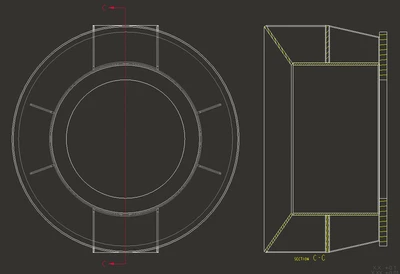
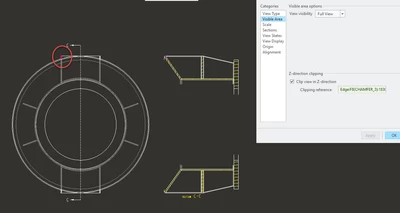
Solved
drawing view - clip out background
Hi, this is a simple concept but hard to explain.
How can I create a drawing view where the background is clipped away?
Here's a visual example...
If I have this model...
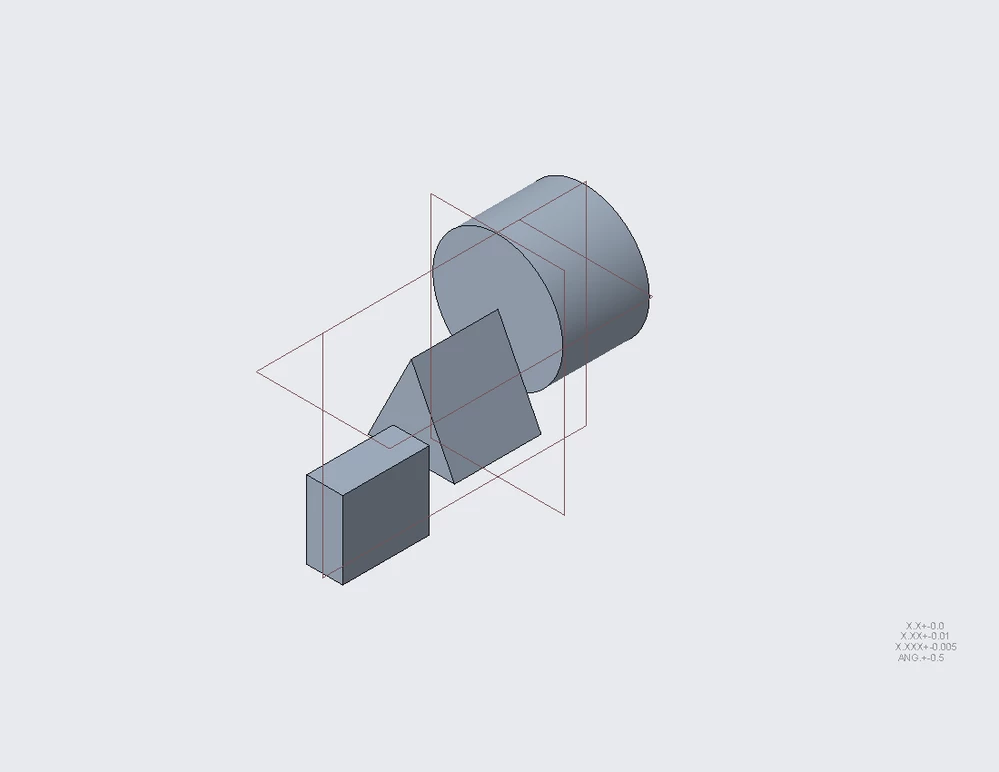
And I create a section view using the front round surface, cutting out the disk.
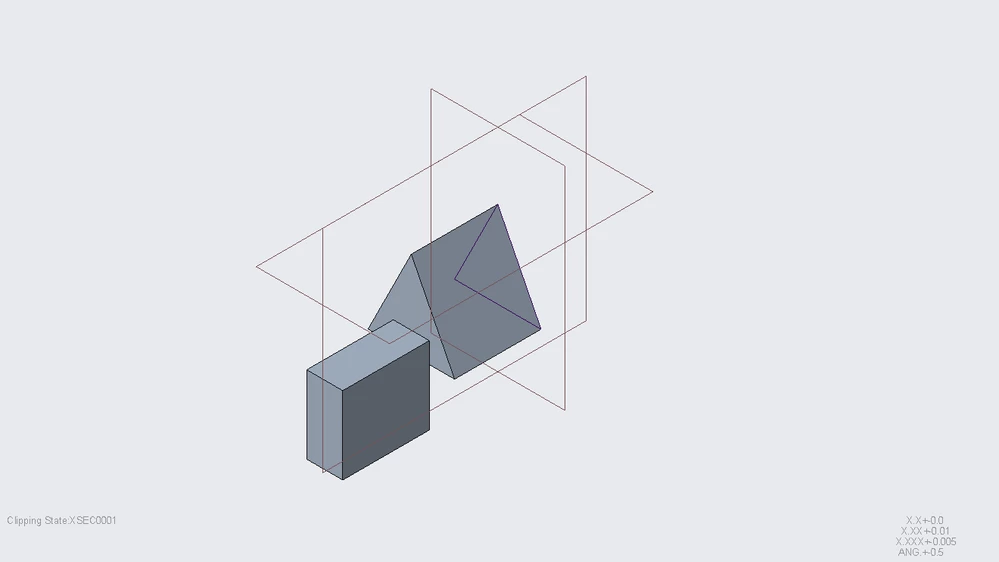
How to get a drawing view, where I am looking at the part from the front so I can see the rectangle and triangle but not the disk?

The application is actually a more complex assembly drawing view, I just used a part model as an example.