Question
hidden surfaces and features
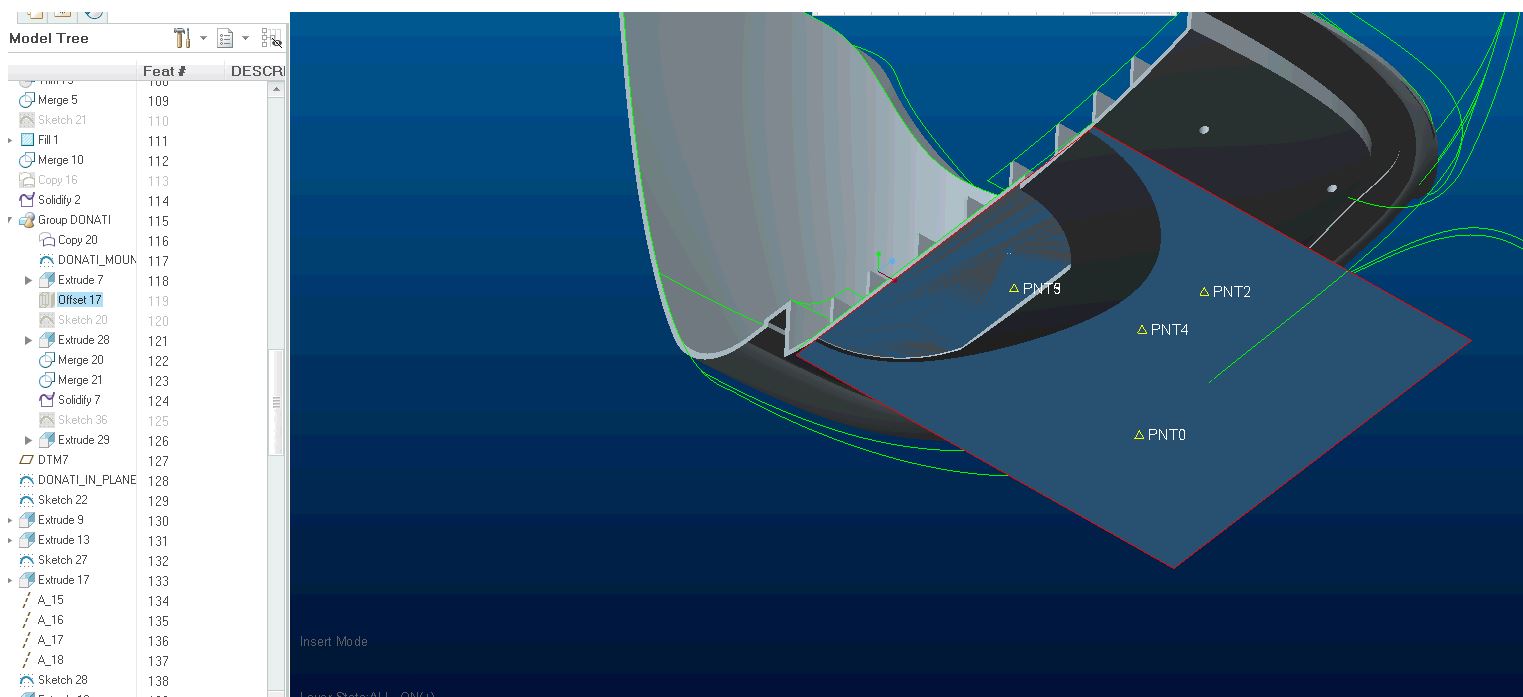
I am working with a lot of surfaces. When I save the file it reverts the screen display to the "save status" configuration but the tree stays at the pre-save configuration. You can see in the picture below that the surface is highlighted on the screen but hidden in the tree. This makes it very difficult to work with since the tree and graphics don't match. How do I get the display and tree to stay the same as it was before the save?