

Question
Create surface borders setting in Creo 5.1
Hi all,
In Creo 5.1 you have the option to select "create surface borders" in the Figure view options.
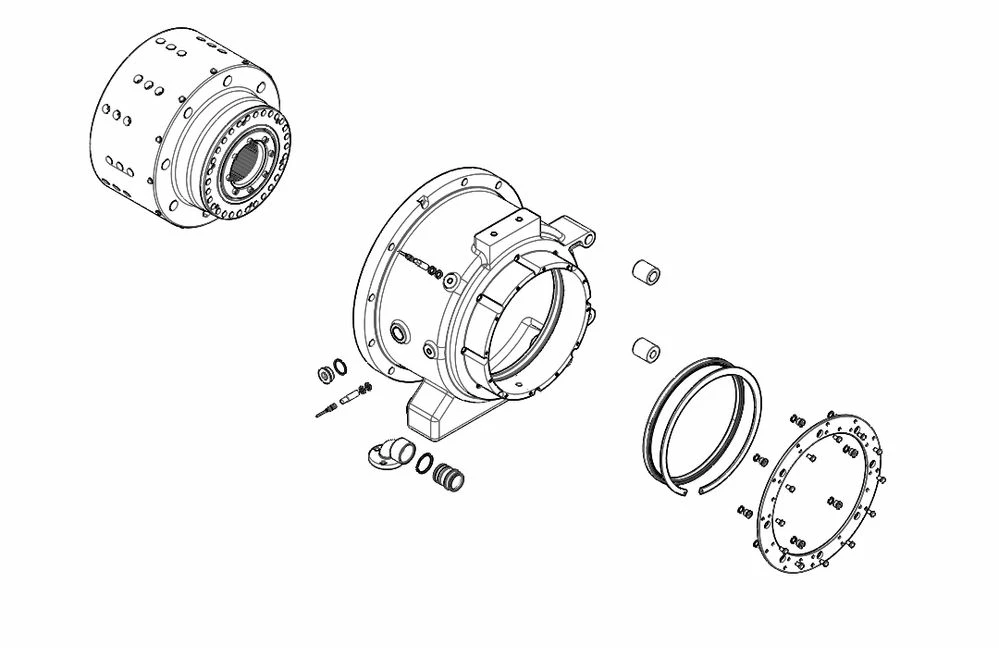
When i select that option, the technical drawing looks perfect in Creo itself:
But when exporting to svg it looks like this:
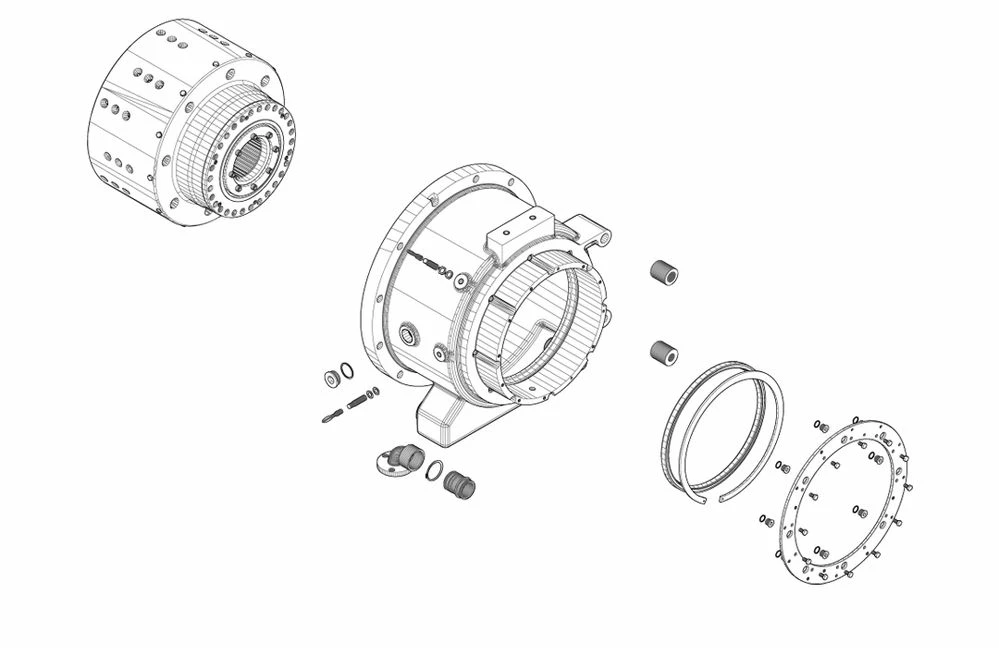
It has too much lines.
Can anyone help me with this? I want the output to be the same as the first image.
ps: when testing this in Creo 3.1 it works like a charm 😉
tnx!