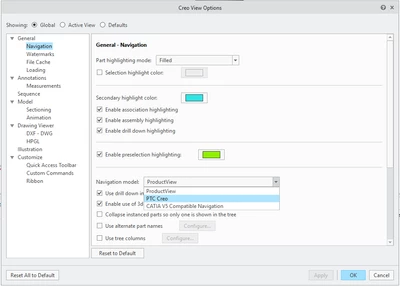
Spin Center / spin model functionality not working in Creo View Express
Hello PTC community,
I've recently downloaded Creo View Express (Version 13.1.0.26 6.1.0.0) and for some reason I can't get the middle mouse wheel to spin the model. My model is also one of the test examples from the PTC Creo View site. When I click on the Spin Center icon (Automatic Spin Center) and then click into the space, when I move the middle mouse wheel, all that happens is that the model zooms in and out. All other functions in the viewer seem to work fine, and I can't understand why this basic command isn't working for me.
I've searched all the Youtube help videos and online support, along with this video 'An Introduction to Viewing 3D Models in Creo View' and still no luck. If anyone could help me, I would be grateful.
Kind Regards
David