
Solved
Mechanism
When I tried to save my playbacks for my mechanism in .pbk file, an information appears. Is it a licence issue? Thanks
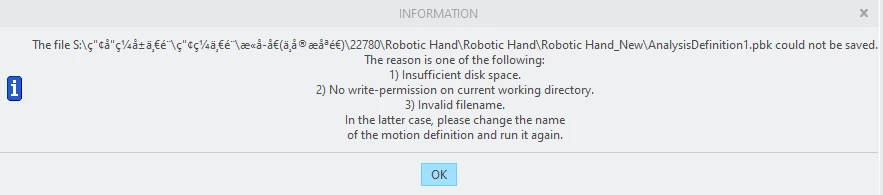

When I tried to save my playbacks for my mechanism in .pbk file, an information appears. Is it a licence issue? Thanks
Not a license issue.
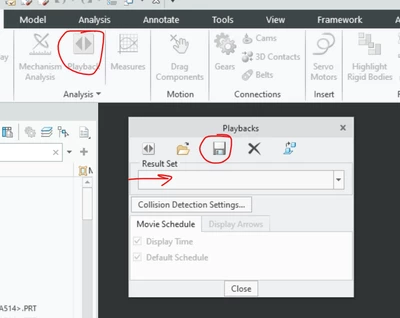
Save to a different location using PLAYBACK button then save.
Sometime network drives have issues, try to save in the local drive then copy it to S: drive.
Foreign language characters may be an issue.
I avoid spaces in paths: Robotic_Hands instead of Robotic Hands.
Do not start directory or file with character 0
Also avoid names > 31 characters. and avoid long paths >240 characters.
The path to the network drive may include full UNC name and thereby reach character limit.
example:
from CMD prompt: NET USE
local Remote
S:\ \\reallywordymachinename.veryverylargedomainname.global\longsharename
When saving to local, check file size, maybe S drive too full.
Enter your E-mail address. We'll send you an e-mail with instructions to reset your password.