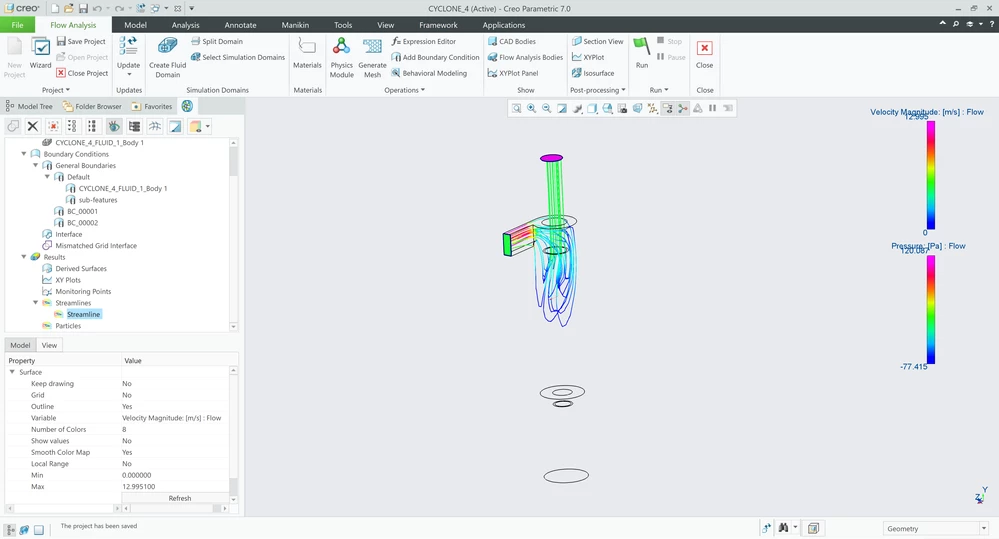
Tweaking visuals in Creo flow (transparency and outlines)
Hello all,
I am having some variability and issues with how Creo flow (7.0.8) behaves when trying to display outputs. This leads to three questions which would be great to understand. I guess the answers are in the config files, but can't seem to find the right parameters.
1. Transparency of a solid domain (showing temperature) used to also allow visibility to streamlines within the part. However, now for whatever reason it doesn't allow this. How can I get this ability back again?
2. Is there a way to change the outline colour from the very thick blue lines? They currently wipe out all detail with fine PCB components. Ideally 1 px and black.
3. At one point my model decided to show its own outlines, as 1px and grey. These weren't turned on as outlines, but were something to do with the 'flow analysis bodies' turned on. If I can get these to show then it will solve problem #2!
Many thanks