
Question
Isodraw crop CGM image?
We are using Isodraw 7.4.2.0.
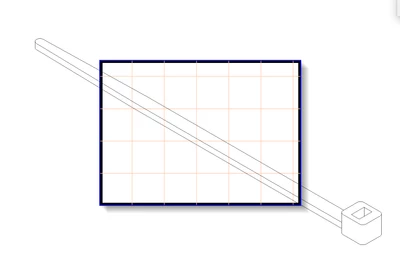
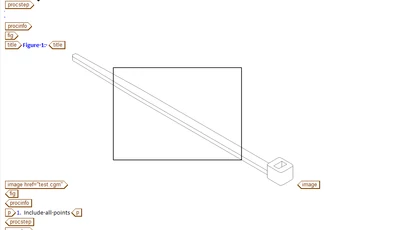
When placing assemblies onto our predefined template in Isodraw, we usually have part the illustration hanging off the hatched area. Do you crop it, mask it, or leave it? If you leave it, how does it look in Editor and pdf output? We export to CGM and find anything hanging over the hatch area also shows up in editor and the pdf. We have changed the different vdc extent options when exporting but it does not change the editor view or pdf unless we change the isoconvert vdc extent setting to 1 instead of 0.