
7-Bedrock
March 14, 2023
Question

cadprocess?

  • March 14, 2023
  • 1 reply
  • 1419 views

Ok I think I am having a brain fart here! I have updated to IsoDraw 7.4 when it is installed this is what my banner looks like. Screenshot 2023-03-14 142716.png
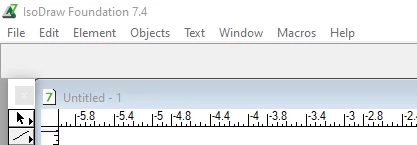
In my preferences I have load 3D CADprocess load at startup checked.
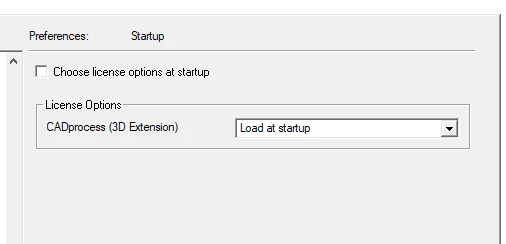
Screenshot 2023-03-14 142940.png

What I need to do to get CADprocess to activate in my IsoDraw session?


Keith


1 reply

18-Opal
March 14, 2023

I would check the license file and see if CADprocess is listed on it. We have both and my pref screen looks like yours


Bryon


khoward7-BedrockAuthor
7-Bedrock
March 14, 2023

Byron,

Checked the license it did not show CADprocess. I am now checking with the support group to see if we can get the proper license. Will let you know what happens.


Keith