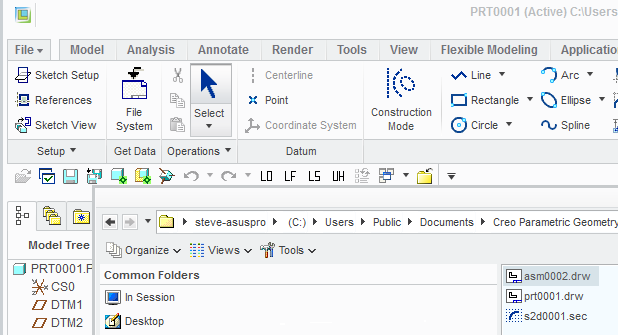
Thanks for the info about how to import a sketch (a sec file) from the file system, however my question is this:
Can I modify the original sketch (the sec file) and then get my part updated? Will the changes made to the original file be updating the part using the sketch?
I have a number of different parts using a same sketch, I want all of these parts updated when I may original sketch is modified. Is there any way to do this?
For example I am designing a housing for a circuit board. I want to have a board sketch and use it in multiple parts, e,g, housing top, housing bottom, and some internal components. I want all of these parts updated based on the modification to the board sketch. Is there any way to do this?
Can I modify the original sketch (the sec file) and then get my part updated? Will the changes made to the original file be updating the part using the sketch?
No. The .sec files on disk are just saved sections (sketches). By loading one into a model, you are just saving yourself the trouble of sketching it again. There is no reference kept between the file on disk and the model.
I have a number of different parts using a same sketch, I want all of these parts updated when I may original sketch is modified. Is there any way to do this?
There are several different ways to approach this. Basically you need to create the "master" sketch in one model, and then reference this sketch from all the other models. Then, when you need to make a change you only change the sketch in the master model. This can be done multiple ways:
Publish geometry / Copy geometry
Adding the master model and child model to a shared assembly (or skeleton model approach)