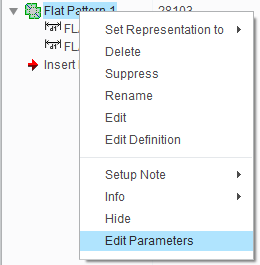
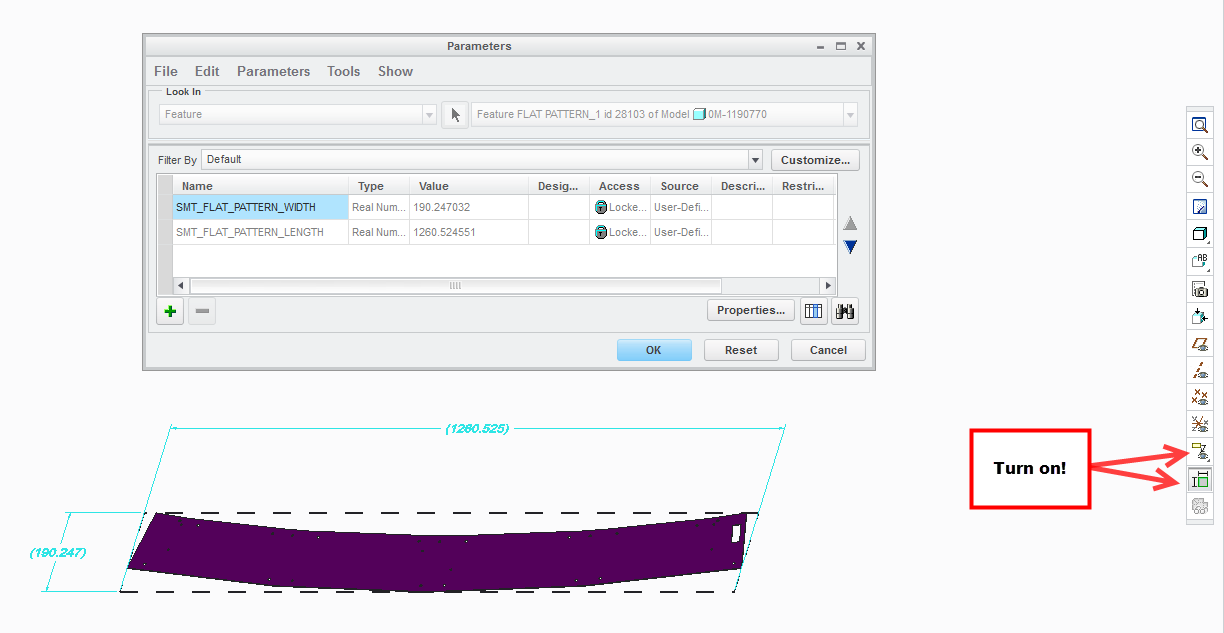
auto bounding box in drawing?
Good morning all.
In my company, whenever I create a flat sheetmetal product, I'm going to have to make a drawing containing envelop dimensions to plot as PDF for reference and a second drawing with the flat-state scaled 1:1 to plot as dxf (which is used for the cam process).
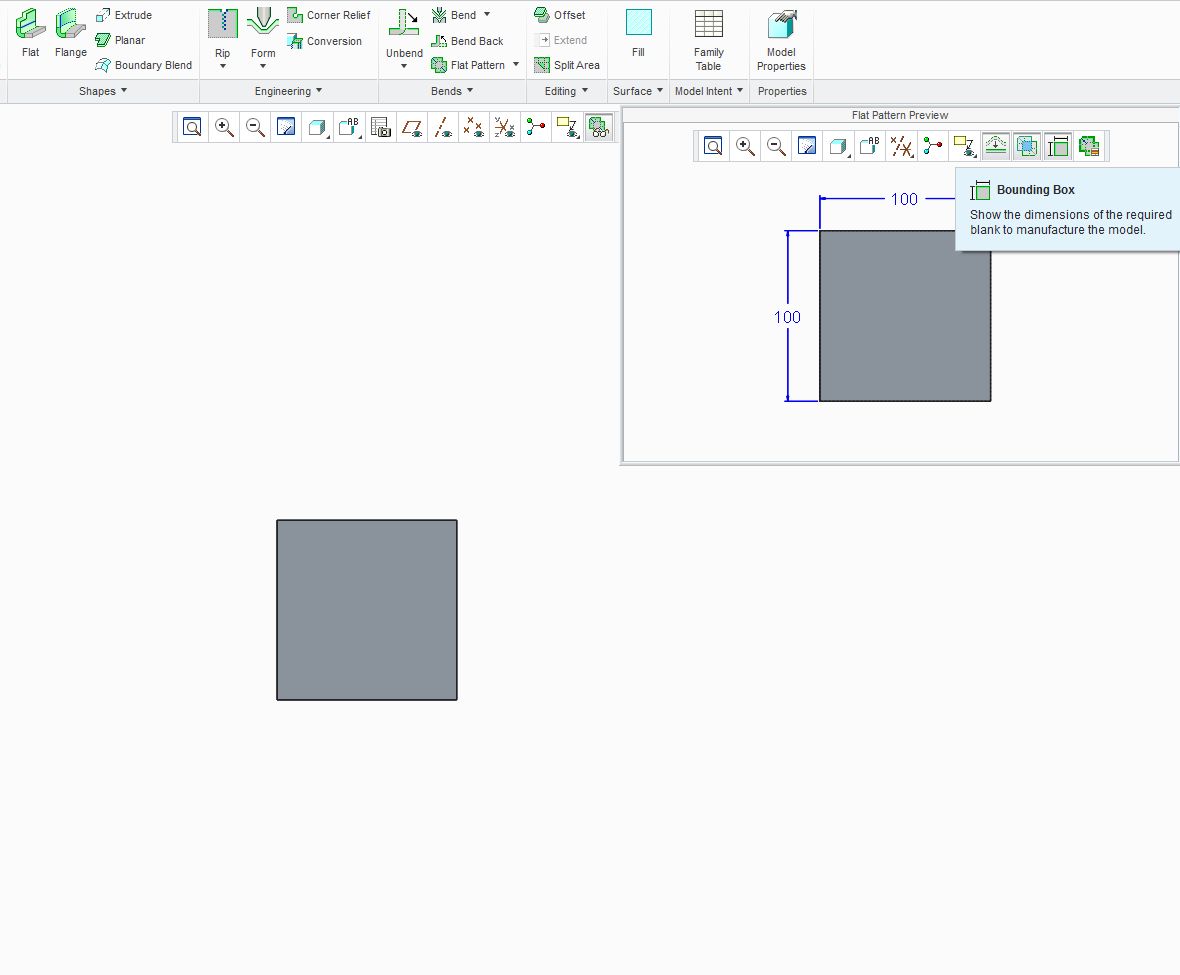
Since CREO there's this great feature in the "flat pattern preview" called bounding box (when in sheetmetal mode).
This shows the envelop size of a flat sheetmetal part.
Now wouldnt it be logical if drawing mode would have the same functionality?
Everytime I create a sheetmetal drawing (PDF) I have to add these dimensions manually.
Also it would be great if I could select drawing paper size that is slightly larger than the dimensions of the bounding box so when I press the Refit button, the part fits nicely on my screen (to be plotted as dxf, so I need scale 1:1).
any comments?
This thread is inactive and closed by the PTC Community Management Team. If you would like to provide a reply and re-open this thread, please notify the moderator and reference the thread. You may also use "Start a topic" button to ask a new question. Please be sure to include what version of the PTC product you are using so another community member knowledgeable about your version may be able to assist.