@DW_10651960
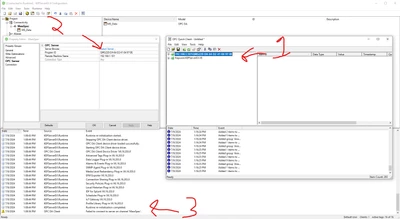
Could be a couple of issues. The prog ID does not look like it's in the correct format. For instance, the Prog ID for KEPServerEX looks like this: Kepware.KEPServerEX.v6 . This may not be the only issue. You stated the Quick Client can connect directly to the server but the connection using the OPC DA Client Driver does not work. This is typically an indication that the Microsoft DCOM parameters have not been adjusted with the appropriate permissions. The Quick Client works because it is merely a test client and does not abide by DCOM restrictions. Here is a link to the Kepware knowledge base article that covers DCOM:
Article - CS294079 - Troubleshooting tips for OPC DA Client driver connectivity in PTC Kepware Products
If the adjustment of the DCOM settings does not resolve the issue, I recommend opening a support ticket with the Kepware team for additional assistance. Here is a link to the login page where a support ticket can be opened:
Log In | My Kepware
Thanks,
*Chris