How to produce a log based range variable or plot equation with vector as independent variable?
Hello,
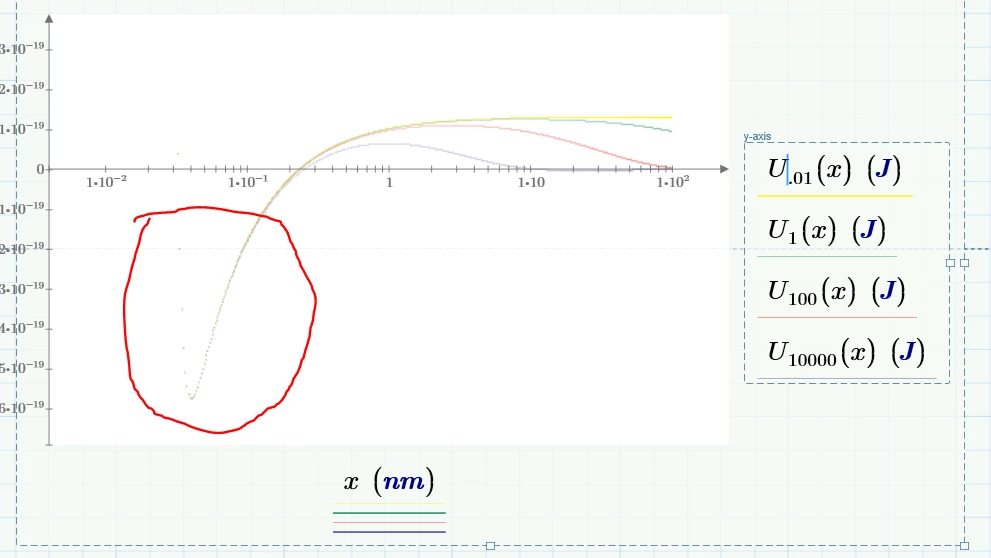
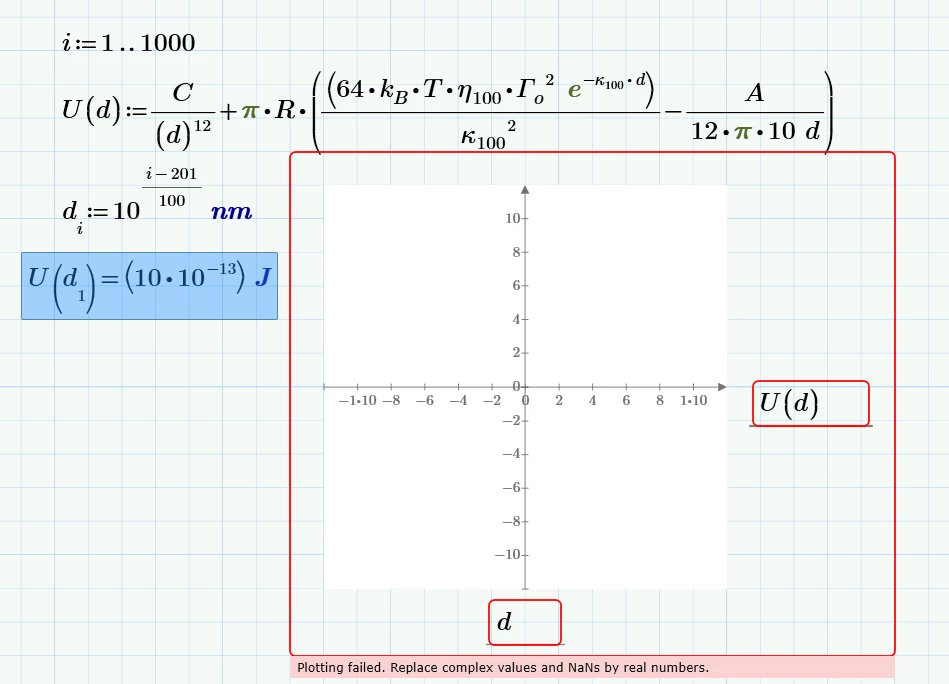
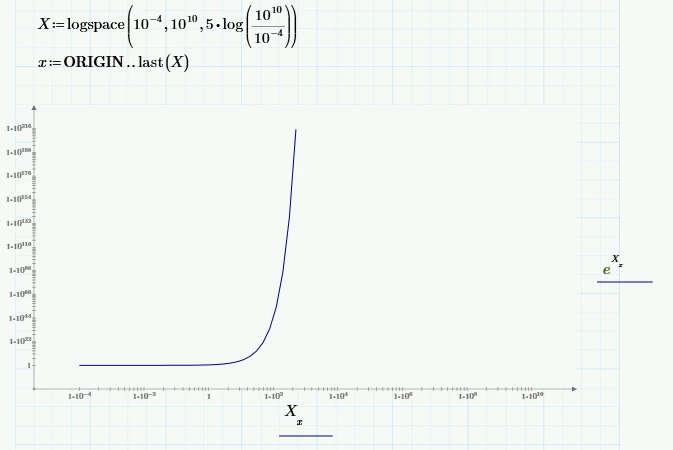
I am working on a project, but can not find a way to produce a decent log plot over a large range. The issue is that if I use the log function under plots with a range variable for my x values there will be too few data points on the low end of the plot to look smooth. So I tried making a log-based x set of data using a range variable converted to a power based set of vector data, variable d, but the when plotting it says can not divide by zero. Though after multiple checks, I do not believe my d values ever goes to zero. I just need to be able to make a plot of y vs log(x) able to span a range of 10^-10 to 10^-3 meters and have sufficient data points for the small x values.
Also getting this error now for the second attempt, Plotting failed. Replace complex values and NaNs by real numbers.