
1-Visitor
December 9, 2016
Question

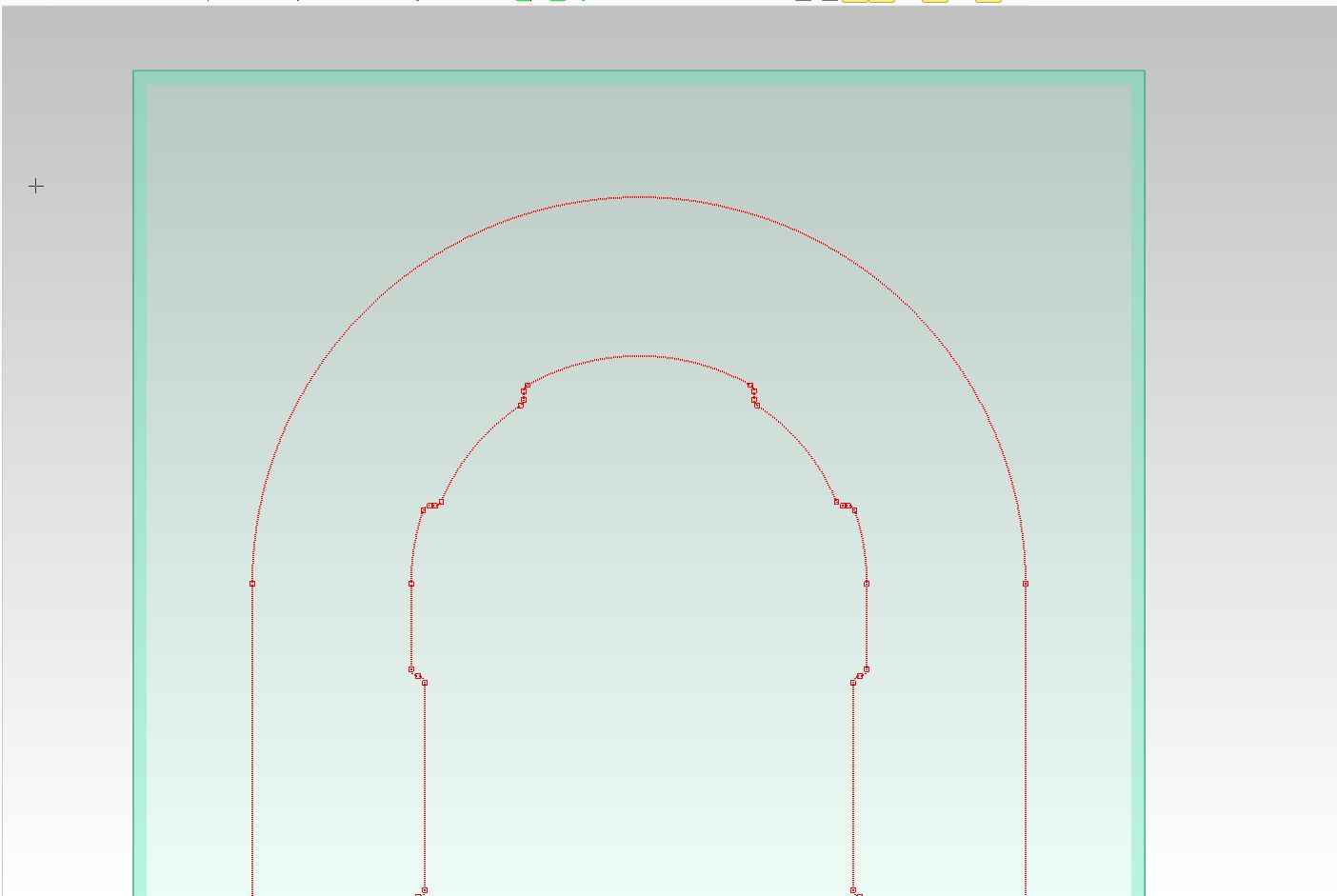
how do you turn off vertices (red boxes) in work planes
  • December 9, 2016
  • 1 reply
  • 3132 views

Capture.JPG


This thread is inactive and closed by the PTC Community Management Team. If you would like to provide a reply and re-open this thread, please notify the moderator and reference the thread. You may also use "Start a topic" button to ask a new question. Please be sure to include what version of the PTC product you are using so another community member knowledgeable about your version may be able to assist.

1 reply

15-Moonstone
December 9, 2016

Go to the Show Properties and turn off Vertices on the Workplanes tab.

1.jpg

thigdon1-VisitorAuthor
1-Visitor
December 9, 2016

OK, that is the window I've been trying to find !

How do I get to it in 19.0 ?

Thanks for the help.

15-Moonstone
December 9, 2016

If you right click in the viewport you should see Show Properties... on the pop up menu.

Option two, click File | Settings | Viewport | Show