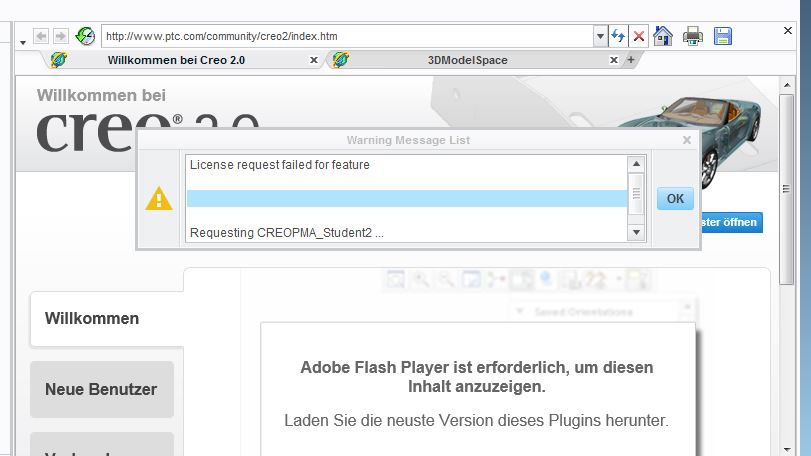
This could happen for a variety of reasons. Your Creo license is tied to the Host ID of the first priority network card on your computer. Often, computers have more than one network card (wireless and LAN) and if one of the cards is enabled or disabled after licensing, the first priority network card and thus Host ID will change. If this happens, Creo will open with a message that says “License request failed for feature” and if you expand the Warning Message List dialog box, you will see “Invalid host”.
You may have turned off the wireless card that was enabled during installation. This document will explain it:
You can also send us your license file, it is located at C:\ProgramData\PTC\Licensing:
In case you didn’t have them the first time, here are the installation instructions for the Student edition:
Academic Technical Support: