Hi Cristian,
You obtain an instance when you follow any of the application Quick Start kits from this page.
After you pick one of the Application Quick Start kits you will be brought to the developer portal. Click on Go to App Tutorials and you will see the popup below
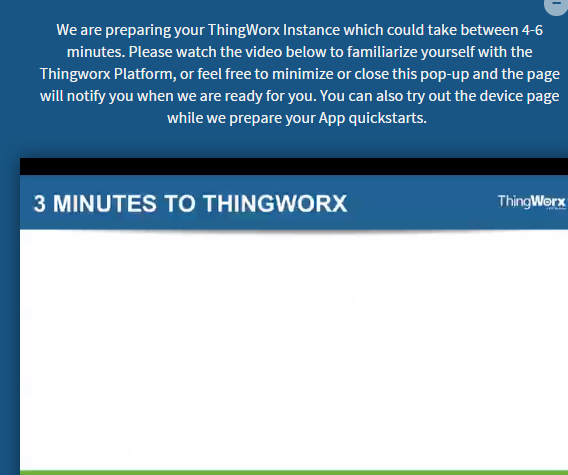
Once the instance is ready you will receive a link that will send you to the applications page. Here choose once again the application that you want to follow and click start. Here you will be able to access your automatically generated ThingWorx instance.
You can use this instance to develop the tutorials from the academic program as well. Nevertheless note that the content on this instance will be available only for a month, after which the instance will be automatically deleted and you will need to register again to receive access to a new ThingWorx instance.
If your university is registered in the academic program you can receive unlimited access to a hosted ThingWorx instance. In what University are you enrolled ? I can check to see if it is and if so I can give you access on that instance.
Thank you,
Veronica

