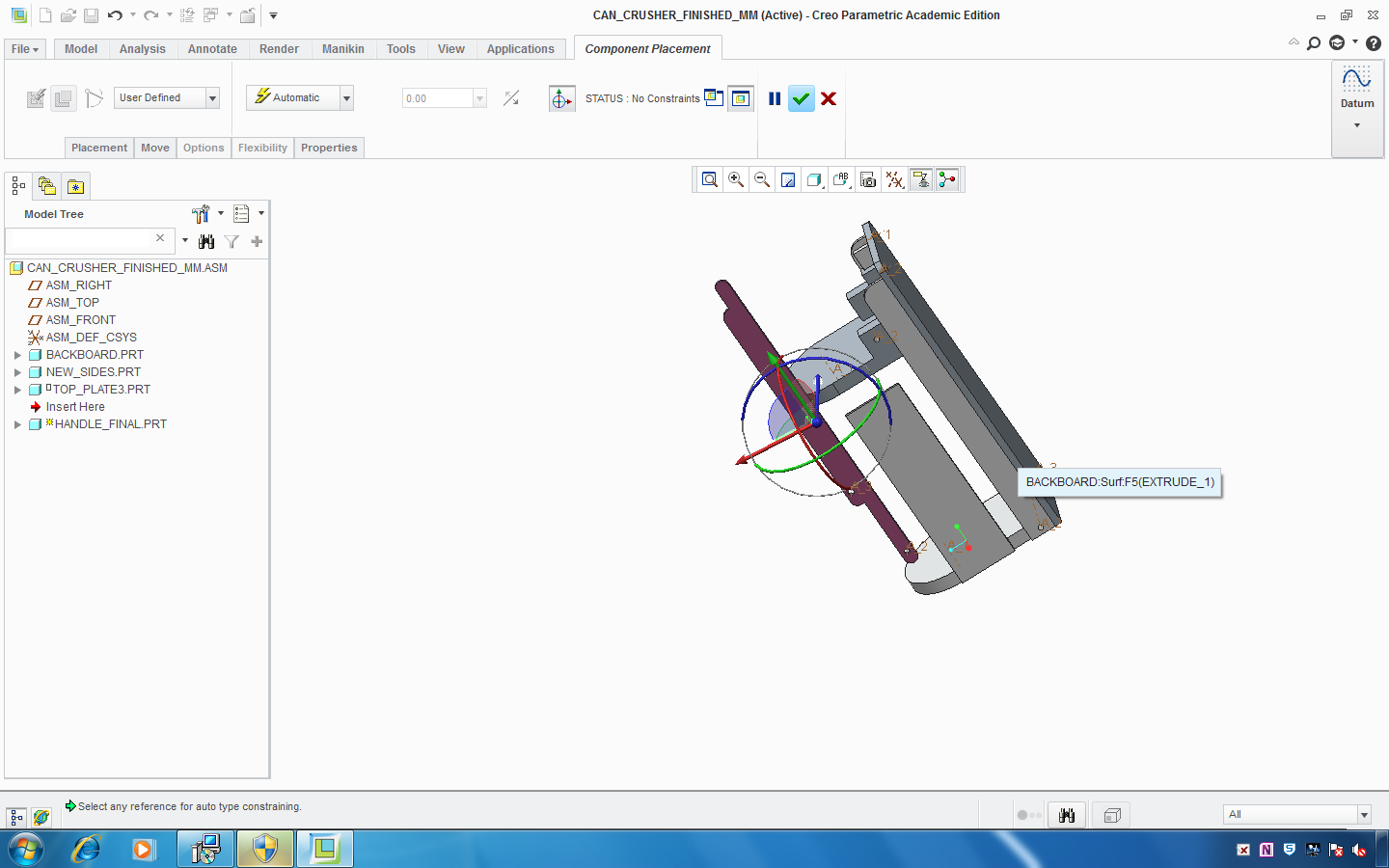
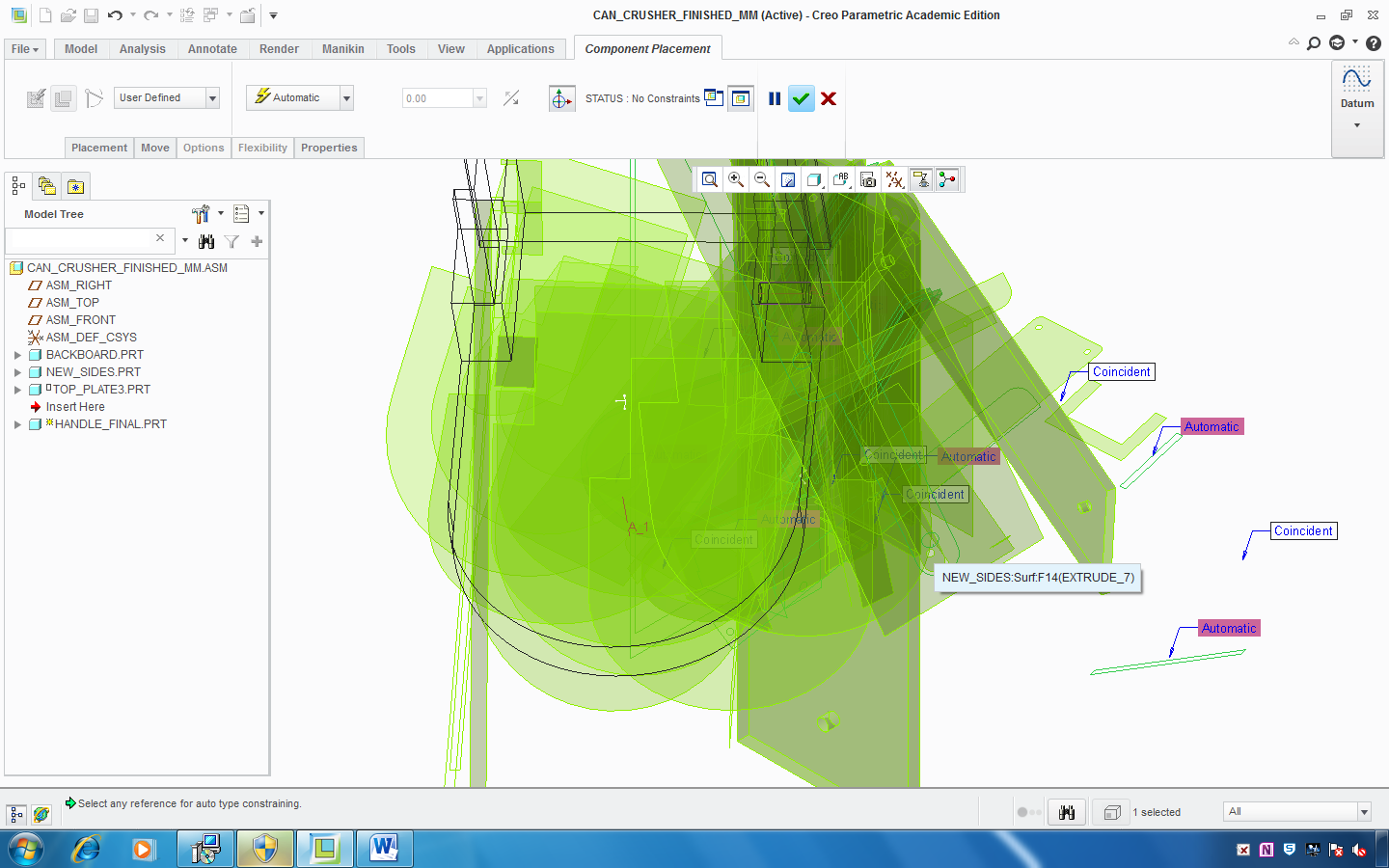
I have recently stumbled across addional info regarding the graphics display options in Creo 2.0. According to development, customers having graphics problems should try the following options, in order (i.e., if option 1 does not work, try option 2, option 3 and then option 4 as the last resort):
- Update your graphics drive to the latest available. This is always the best option.
- Try adding both of the options below. Using both options together will utilize all OpenGL performance improvements made in Creo.
- graphics opengl
- use_software_opengl yes
- Use only the "use_software_opengl yes" option.
- Use the "graphics win32_gdi" option.
Rather than edit the config.pro file at the install location (many uses do not have permission for this), Creo will also read a config.pro file placed in the "Start in" folder. For Windows 7, the default Start-in folder for Creo is (Users/Public/Documents).
Since I can't seem to attach a file to this comment, I've uploaded a zip file with a config.pro file that contains all three options listed above but they are commented out using an ! mark. You can place this file inside your Start-in folder and try the combinations above by simply removing the ! from the option you wish to try (must restart Creo after saving the config.pro file). I hope this helps.
Regards,
Adam