Solved
Turn off thread annotations
- March 22, 2019
- 1 reply
- 3377 views
Hello guys,
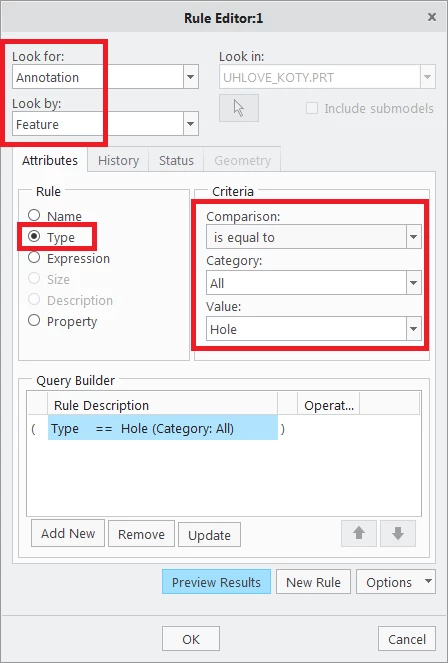
when creating threaded holes, Creo always adds an annotation to them (see attachment). These are annoying since I never use them and they mess up my screen when working with e. g. GTOL annotations. Is there a config option or a layer tree rule to turn them off or hide them? (I know I can turn off all annotations by toggling the annotation button, but that is not what I want to do as there are some annotations I actually need).
Greetings