

Solved
Creo 12 internal browser not working
I have installed Creo 12 successfully on 2 machines but on one of the machines I get the errors below and the browser fails to work. Presumably the errors below is because the browser is not working.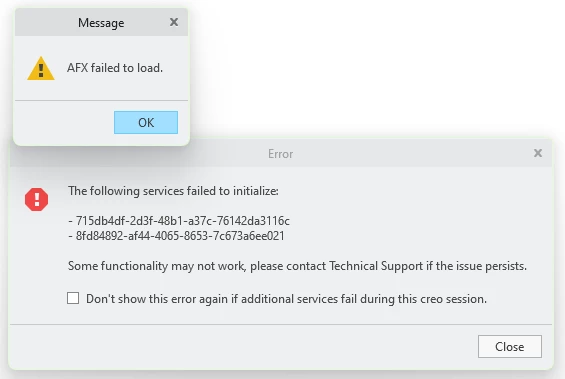
Things I have tried already:
- Removed all config / UI files (Vanilla install)
- Reinstalled using an install script that worked on the same hardware
- Deleted the Creo Agent and Platform folders and replaced with folders from a known working install
- Performed a Windows Control Panel > Apps >PTC Creo 12 Platform Services > Modify > Repair
I have Creo 9.0.9.0, Creo 12.4.0.0 and Creo 12.4.2.0 installed. Creo 12.4.2 works fine as far as I can tell other than the internal browser not working, but I do need it to be working.
Any other suggestions? This happened one other time and I had to reimage which I am really trying to avoid.