

Creo Parametric 4.0 embedded chromium_browser display issue with Windows 10 scale larger than 100%
The issue is an erractic display in the embedded browser. See below for more detail and some screenshots.
This is a 100% reproducible issue as follows:
- Creo Parametric 4.0 M010-M030
- haven't tried F000
- This is not an issue with Creo Parametric 3.0
- config.pro option windows_browser_type chromium_browser
- This is not an issue when using ie_browser
- Windows 10
- have tried both version 1511 and 1703
- Windows 7 doesn't have this issue.
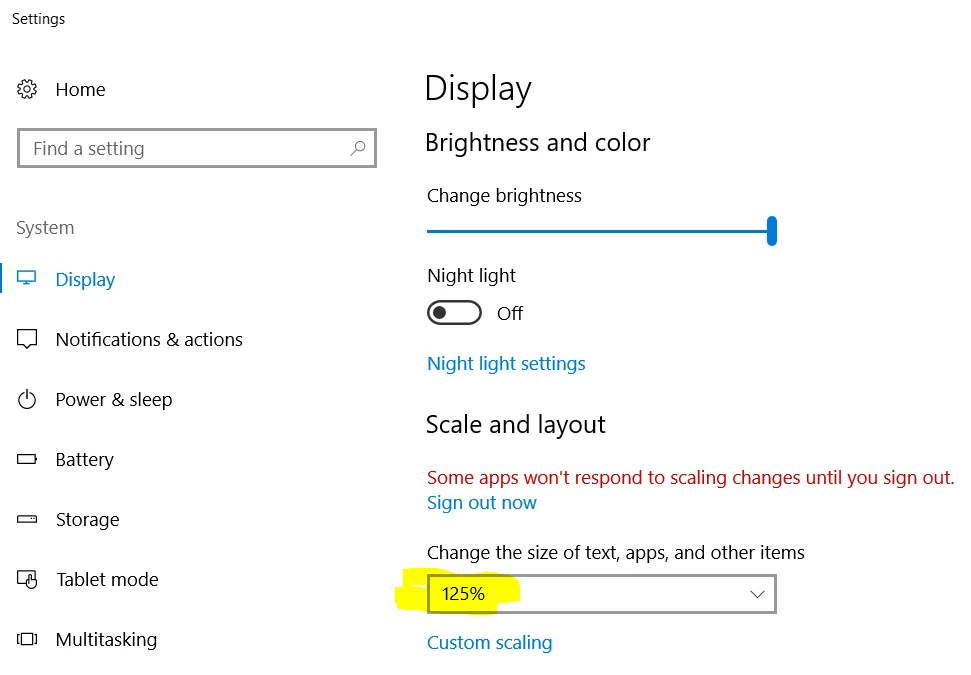
- Windows Scale and Layout set to something larger than 100%
- common on higher resolution (> 1920 x 1200/1080) monitors to set this larger than 100%
- 150% is common on a 4k monitor
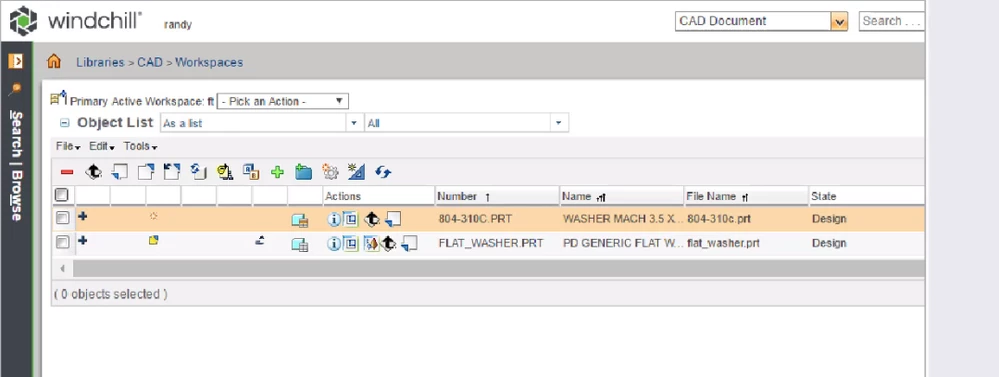
With the above setup the embedded browser contains fuzzy content. Looks the same as zoomming greater than 100% on an image in an image viewer. Looks like this:
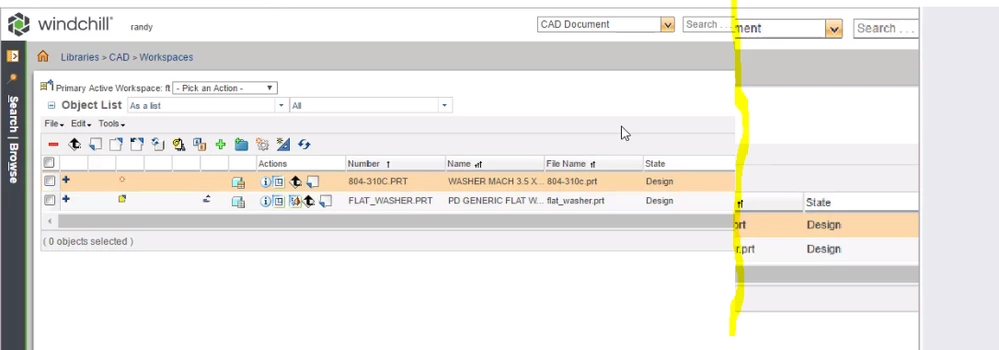
Then as soon as you move your mouse inside the browser window and interact with something like a link or icon the content re-scales itself into the upper lh corner of the browser window as shown here. I have highlighted with yellow the new rh edge of the browser window. You can see the previous content to the right of the "new" view.
I have reproduced this on the following hardware all with Nvidia graphics of various flavors:
- Dell M6800 laptop
- Windows 10 1703
- using only laptop monitor running at 1920x1080 and 125% scale
- using both laptop monitor and a larger 2nd monitor hooked via display port
- Gruman
- Windows 10 1703
- 2 identical 4k monitors running at 125% scale
- Sun Ultra 27
- Windows 10 1511
- Windows scale at 125%
I have opened a call with PTC but wanted to check to see if anybody else is experiencing this issue or maybe has found a resolution for it.