15-Moonstone
July 27, 2018
Solved

Vuforia Studio downloading Error
  • July 27, 2018
  • 1 reply
  • 3644 views

error 2.PNGGood Morning,

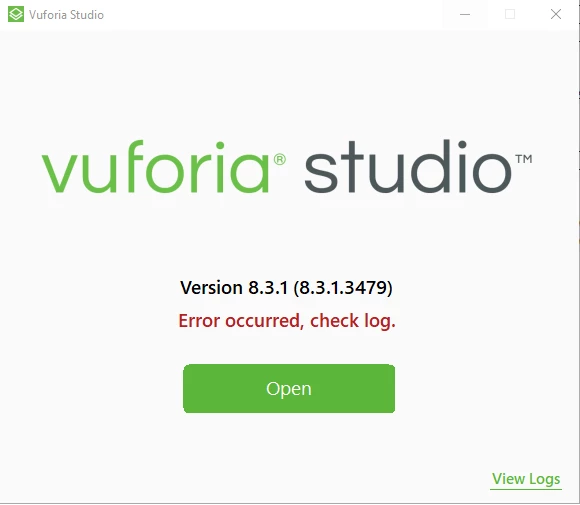
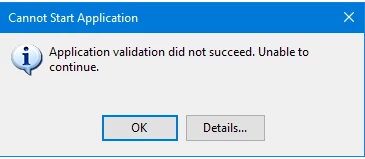
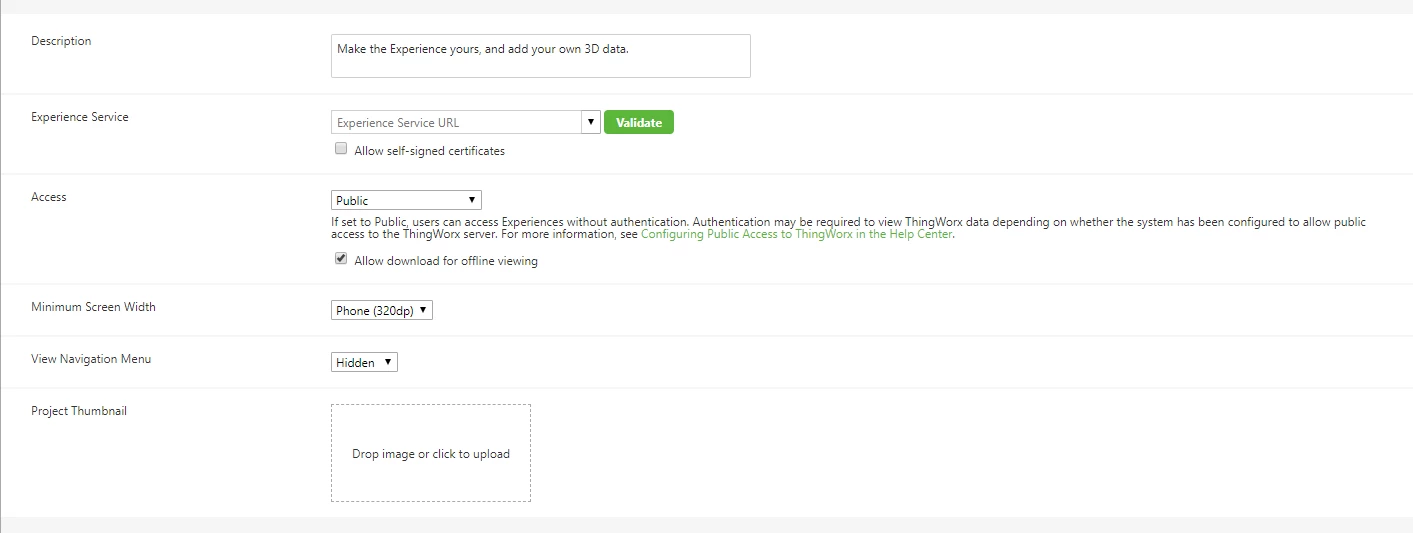
I want to use Vuforia Studio, but when i am going to download Studio its showing error as Application Validation did not succeed.

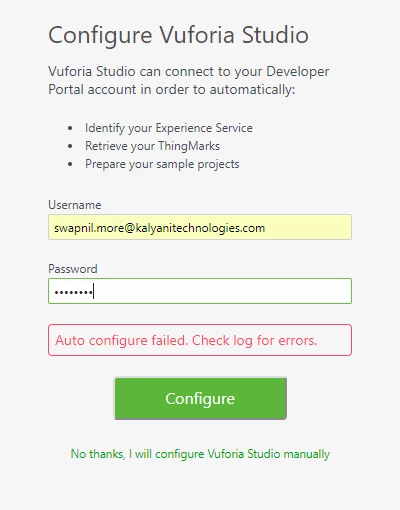
I install same on other system but in that system I got different error as Autoconfiguration failed.

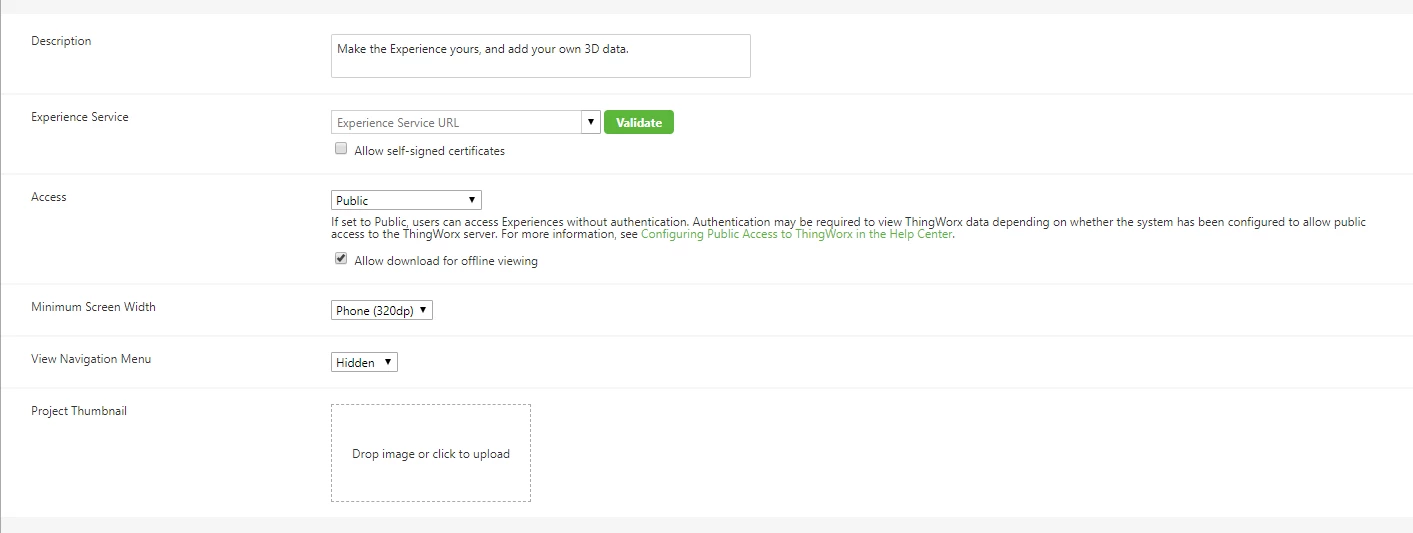
i can't find services & thingmarks1.PNG2.PNG3.PNGStudio error.PNG
Best answer by dupatel

@Swapnil_More Hi Swapnil, I believe this issue stands resolved now and there was issue with the proxy setting URL not providing which protocol been used. Issue stands resolved and you are now able to validate Trial Experience Service.


Please confirm.


-Durgesh

1 reply

5-Regular Member
July 27, 2018

@Swapnil_More Could you please confirm the OS version and Studio version on which you were getting validation error. Also, share Studio application logs to review the issue.


Secondly, for auto-configuration issue could you please share the Studio log and your Studio login ID. Where you able to authenticate & use Trial Studio previously or is this the first time you are using it ?


-Durgesh

15-Moonstone
July 27, 2018

Hello Durgesh,

I am using Windows 10 and Viforia Studio 8.3.1 version.

Pl. find attached logged file for same.

I resolved installation issue Pl. help me for Configuration.

5-Regular Member
July 27, 2018

@Swapnil_More Could you please also share your Studio login ID and confirm if you know your Experience Service URL ?


-Durgesh