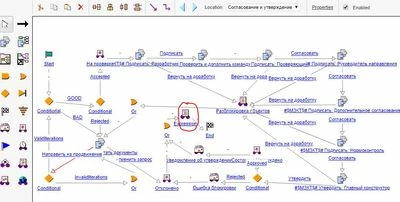
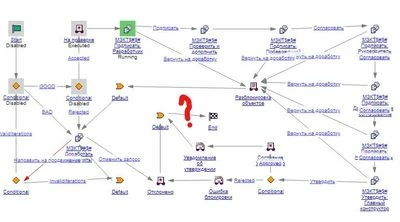
Hi Vlad,
I'm not sure where you were trying to edit the workflow (you're showing the workflow here), but you would do that via the particular Context, then Utilities, Workflow Template Administration (most likely Site context, but maybe you have lower-level ones too?)
If you're editing the workflow, make sure you are actually picking File, Save after you make your changes too, then check-in.
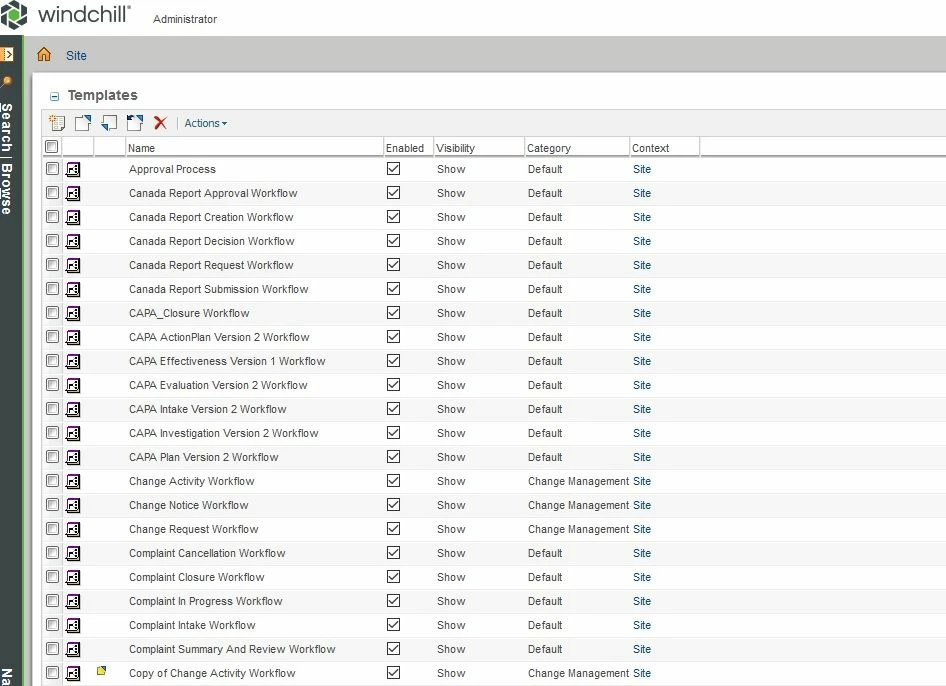
That should do it.
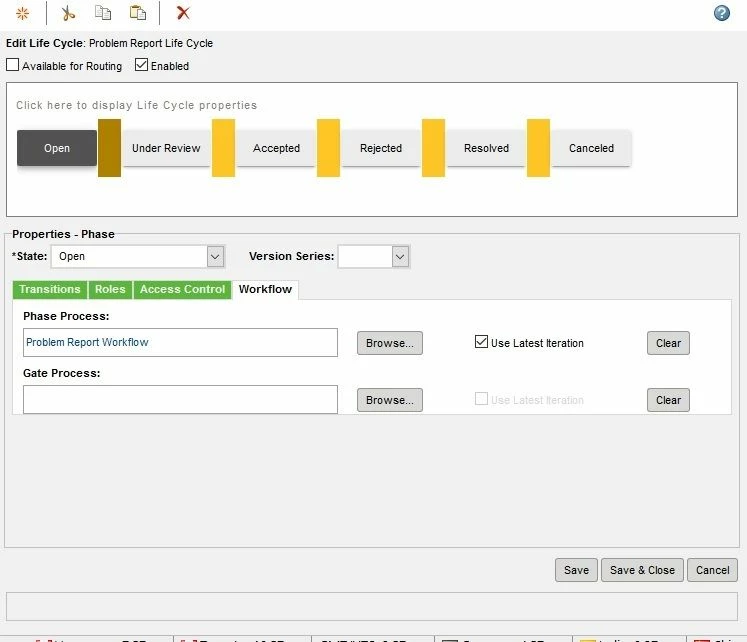
If it's a new workflow or different named one, then you have to make sure that on the Lifecycle itself, you have the correct one picked for the state, and that "use latest iteration" is checked.
ex.
You may want to open a Support case, with tech support, for this, so they can assist you.